




Have Questions?
-
Australian Owned & Operated
-
Technical Support
-
Easy Returns
-
fast & Free Shipping
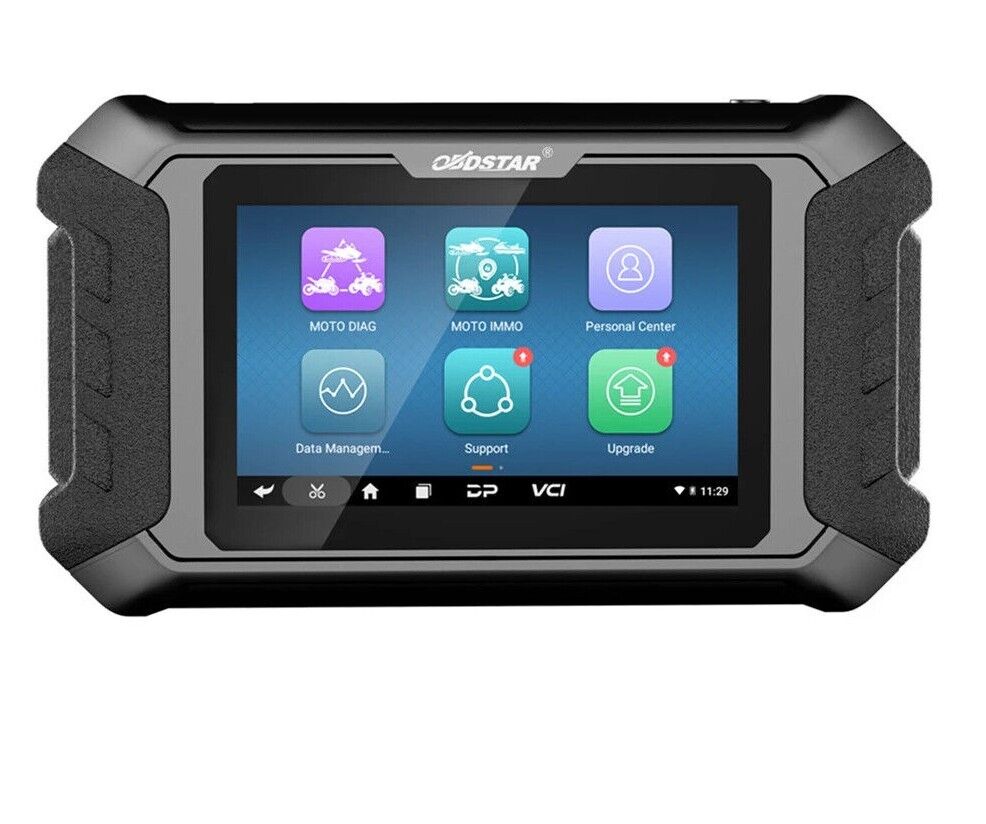
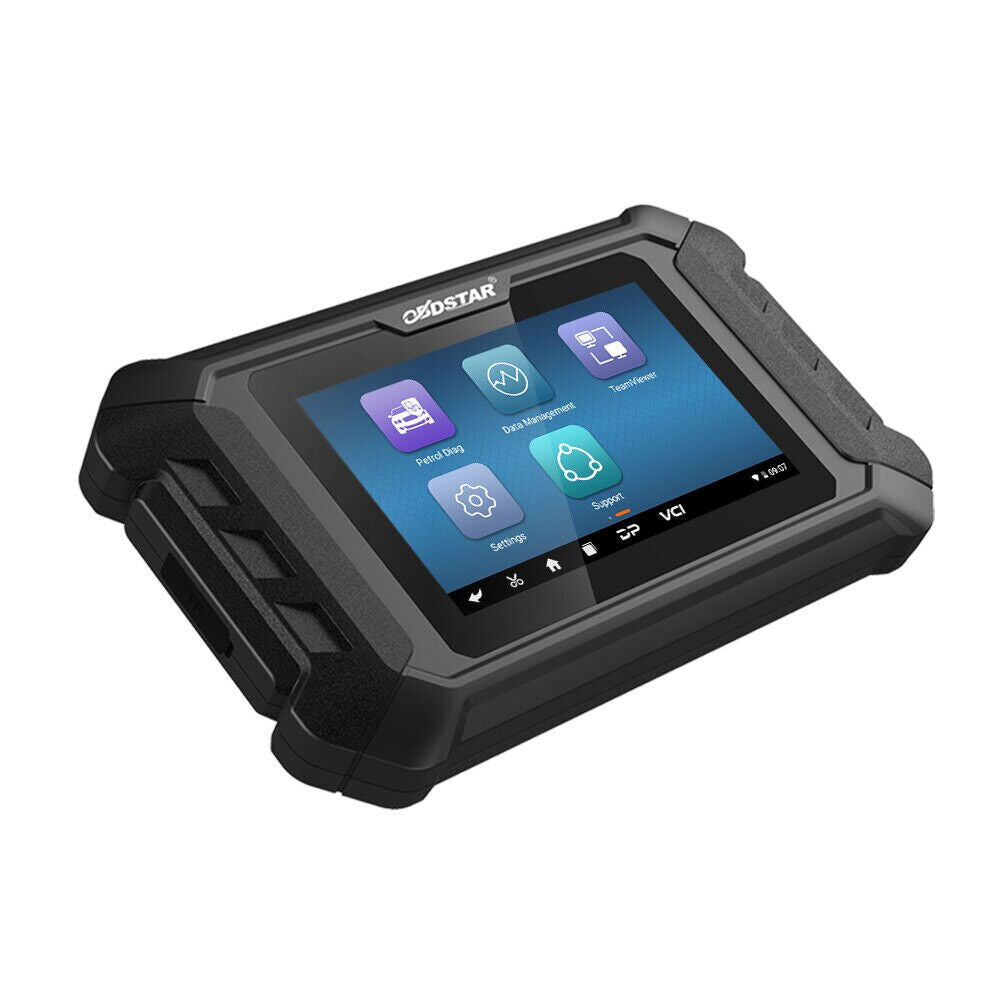
OBDSTAR iScan POLARIS Diagnostic Scanner
Professional Diagnostic Tool for POLARIS Motorcycles, ATVs, UTVs & Snowmobiles
The OBDSTAR iScan POLARIS is a dedicated diagnostic tablet specifically developed for POLARIS vehicles, delivering professional-level diagnostics in a compact and portable design. Built with OBDSTAR's latest intelligent diagnostic technology, this powerful scanner provides technicians and enthusiasts with comprehensive diagnostic capabilities for POLARIS motorcycles, ATVs, UTVs, and snowmobiles.
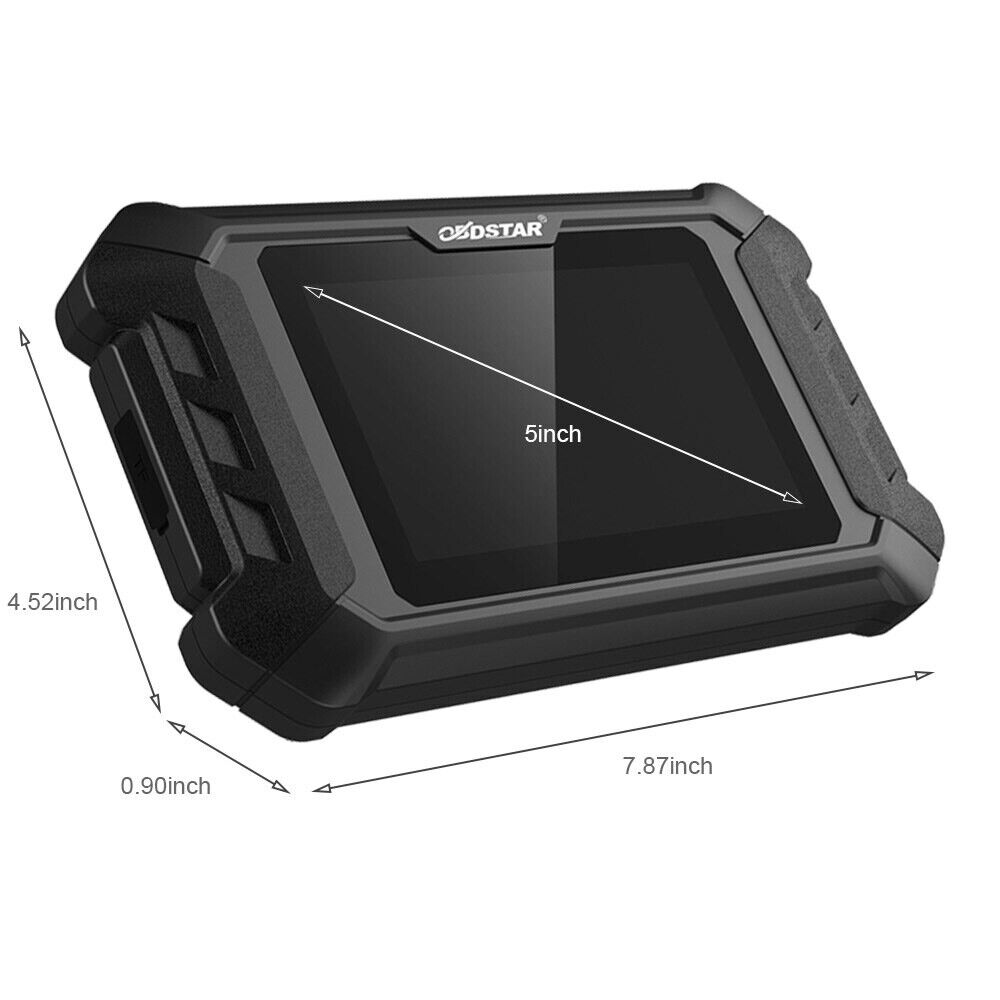
Powered by the RK3128 Quad-Core Processor and featuring a responsive 5-inch capacitive touchscreen, the iScan POLARIS offers smooth operation, fast performance, and an intuitive user experience for efficient vehicle diagnosis and maintenance.
POLARIS Diagnostic Coverage
Supports diagnostic functions for:
-
POLARIS Motorcycles
-
POLARIS ATVs
-
POLARIS UTVs
-
POLARIS Snowmobiles
Key Features
Complete Diagnostic Functions
The OBDSTAR iScan POLARIS provides comprehensive diagnostic capabilities, including:
-
Read Fault Codes
-
Clear Fault Codes
-
Live Data Stream Monitoring
-
Active Tests
-
ECU Settings
-
Coding Functions
-
System Diagnostics
These functions help users quickly identify vehicle faults and perform accurate troubleshooting.
User-Friendly Interface
The scanner features a simple and intuitive menu structure that allows users to navigate functions quickly and efficiently. The organized menu system improves workflow and reduces diagnostic time.
Real-Time Data Stream Analysis
Monitor and analyze vehicle performance through live data monitoring.
Features include:
-
Real-Time Data Viewing
-
Data Recording
-
Data Playback
-
Sensor Monitoring
-
Component Performance Analysis
This functionality helps technicians identify intermittent faults and analyze system behavior with greater accuracy.
Wi-Fi Software Updates
Connect directly to the internet via Wi-Fi for convenient software maintenance.
Benefits include:
-
One-Click Software Updates
-
Quick Access to New Features
-
Improved Diagnostic Functions
-
Enhanced System Performance
Remote Technical Assistance
The built-in remote assistance feature enables OBDSTAR technical support personnel to provide remote diagnostic guidance when required.
Advanced Diagnostic Functions
Intelligent Fault Guidance
Built-in support resources help simplify the diagnostic process and improve repair efficiency.
Available diagnostic assistance includes:
-
Fault Guidance
-
Help Data
-
Technical Bulletins
-
Diagnostic Connector Information
These resources assist technicians in locating and resolving faults more accurately.
Multiple Data Display Modes
The iScan POLARIS supports several live data display formats, allowing users to view vehicle information in the most suitable format.
Display options include:
-
Text Display
-
Waveform Graph Display
-
Instrument Display
These visualization tools make it easier to interpret vehicle operating conditions and diagnose problems.
Advanced System Functions
Supported advanced functions include:
-
Automatic Vehicle Scanning
-
Automatic VIN Recognition
-
Control Module Programming
-
Control Module Coding
-
ECU Settings
-
Instrument Cluster Coding
-
Tire Pressure Monitoring System (TPMS) Functions
-
Maintenance Light Reset
-
CO Adjustment
-
Idle Speed Adjustment
-
A/F Value Reset
-
ABS Control Unit Settings
-
EOL Mode
-
Transmission Memory Reset
-
Clear Computer Memory
Technical Specifications
Operating System
Android 5.1.1
Processor
RK3128 Quad-Core ARM Cortex-A7
Display
5.0-Inch LCD Display
Screen Resolution
800 × 480
Touch Screen
Capacitive Touch Screen
Battery
2600mAh Rechargeable Polymer Lithium Battery
Storage Expansion
Supports up to 32GB Micro SD (TF) Card
Wireless Connectivity
Wi-Fi Supported
Working Temperature
-10°C to 55°C (14°F to 131°F)
Storage Temperature
-20°C to 70°C (-4°F to 158°F)
Weight
Approximately 700g
Dimensions
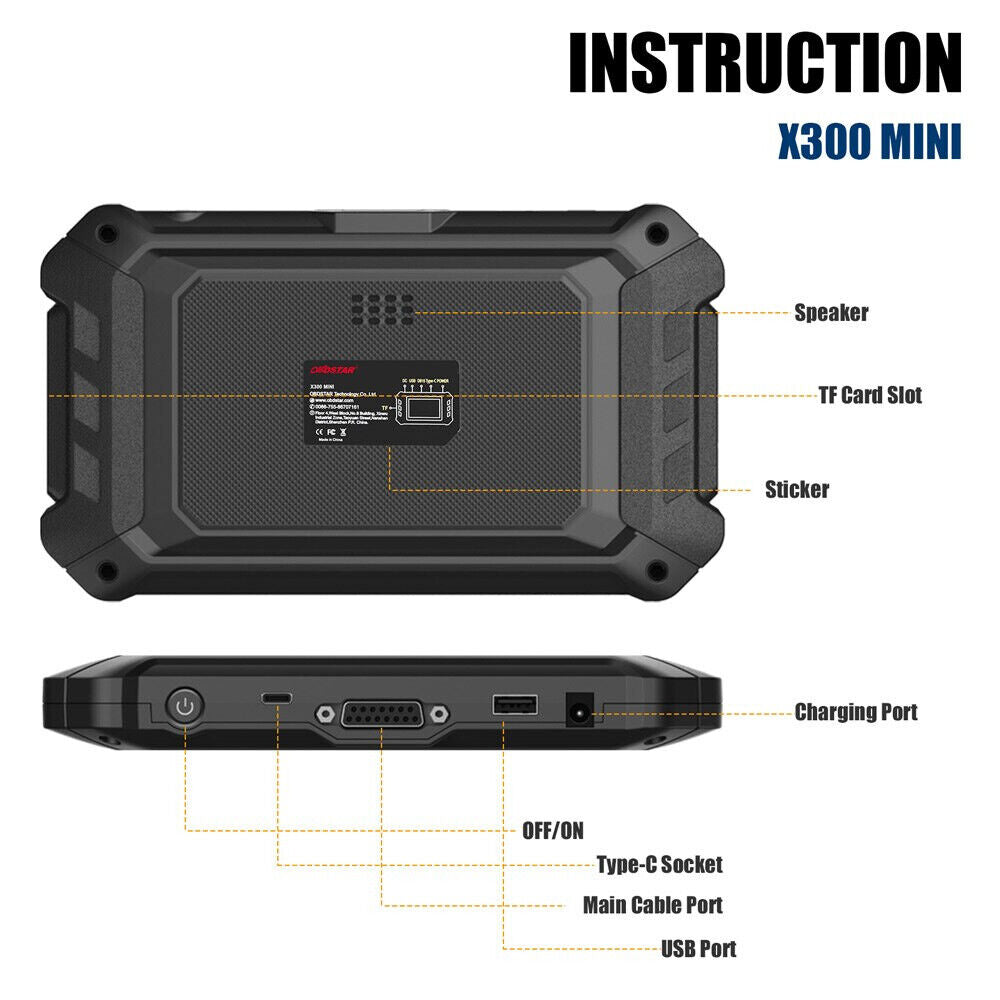
198mm × 115mm × 31mm
Why Choose the OBDSTAR iScan POLARIS?
The OBDSTAR iScan POLARIS combines dedicated POLARIS vehicle coverage, advanced diagnostic functions, ECU programming and coding capabilities, automatic VIN recognition, live data analysis, and Wi-Fi update support in a lightweight and portable tablet. Its professional diagnostic features make it an ideal solution for repair workshops, service technicians, and POLARIS vehicle owners seeking accurate diagnostics and efficient maintenance.

1) Main Page/Brand Supported


2) Help Data


3)Supported Systems List/Vehicles List


4) Diag Socket/Diag Connector Location


5) Special Function


