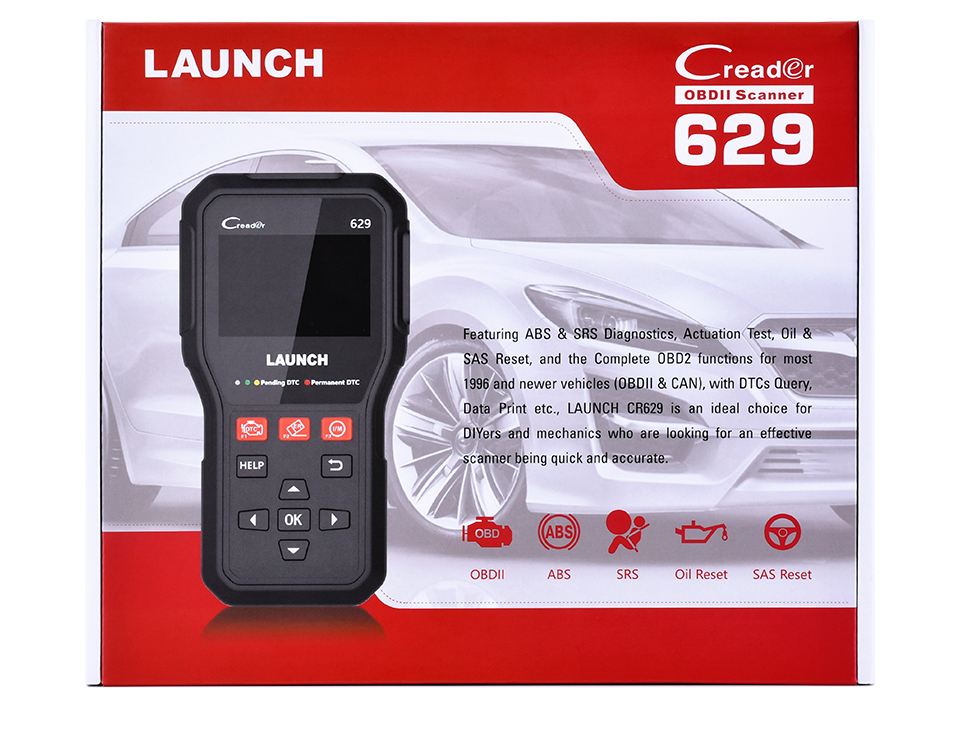
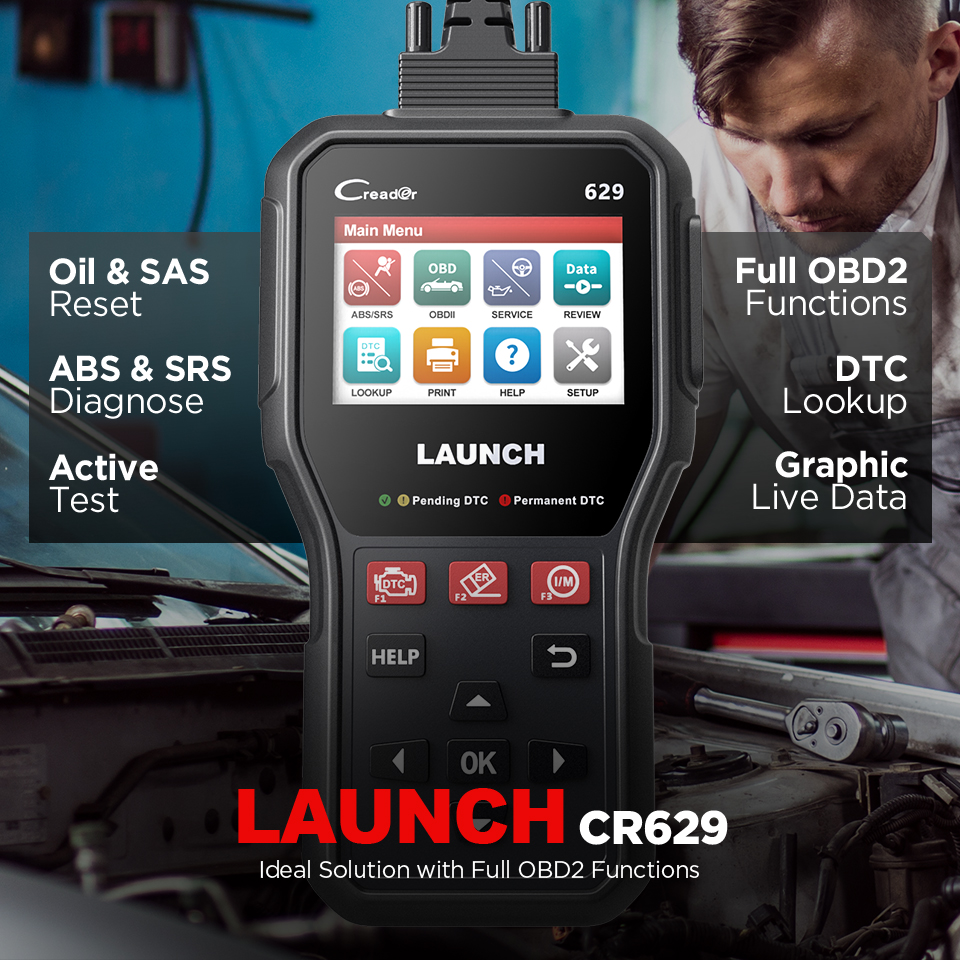
LAUNCH CR629 OBD2 Scanner Car Code Reader Active Tests ABS SRS Diagnostic tool
Couldn't load pickup availability
Return policy
Our goal is for every customer to be totally satisfied with their purchase. If this isn't the case, let us know and we'll do our best to work with you to make it right.
Shipping
We will work quickly to ship your order as soon as possible. Once your order has shipped, you will receive an email with further information. Delivery times vary depending on your location.

Supported Languages
CR629 supports English, French, German, Spanish, Portuguese, Russian, Japanese, and Italian.

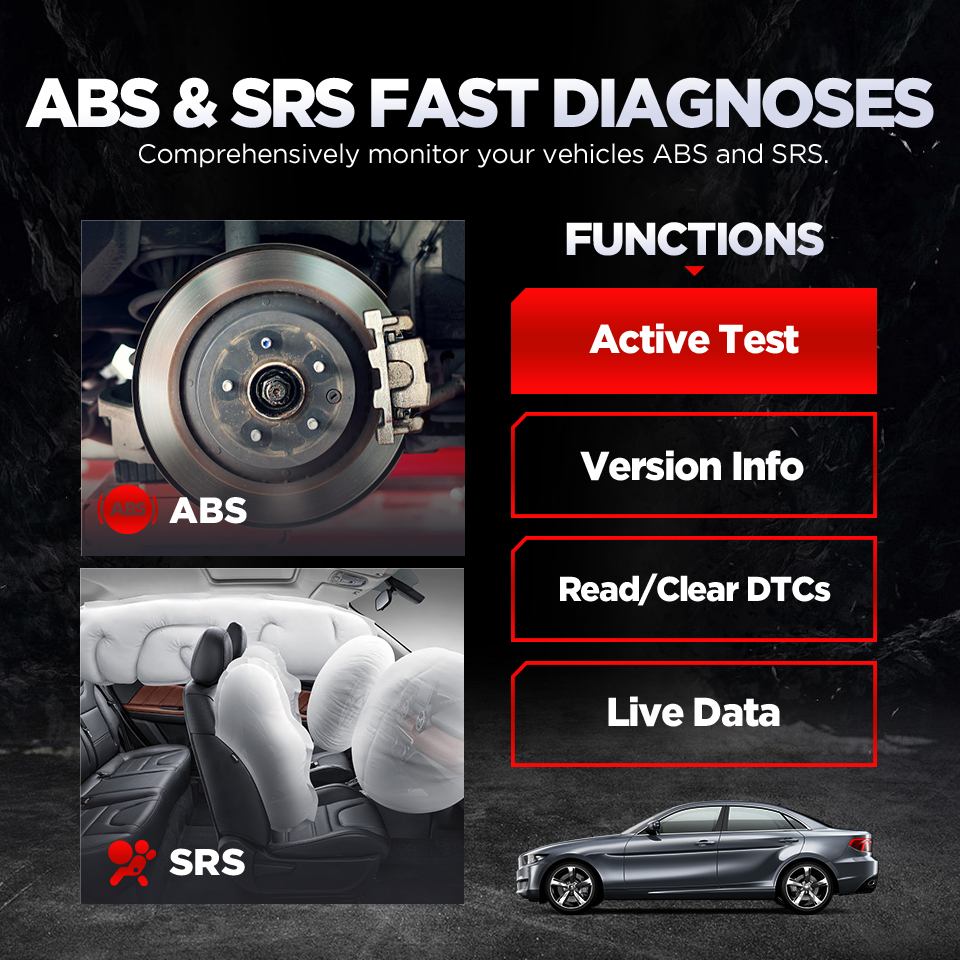
ABS System Diagnostics
The LAUNCH CR629 provides complete ABS system diagnostics to help monitor braking system performance and safety.
ABS Functions Include
Read Version Information
Identify detailed information about the ABS control module including:
- Unit type
- Version numbers
- System specifications
Read Diagnostic Trouble Codes (DTCs)
Retrieve ABS-related fault codes to determine the exact cause of warning lights and braking system issues.
Clear ABS Fault Codes
After repairs are completed, users can erase ABS fault codes and turn off ABS warning lights.
Read ABS Live Data
View real-time ABS data such as:
- Wheel speed sensor information
- Vehicle speed
- Brake system parameters
- Sensor performance
Active Tests for ABS
Perform bidirectional testing of ABS components to verify proper operation and locate hidden problems.
SRS Airbag System Diagnostics
The CR629 also supports advanced diagnostics for the Supplemental Restraint System (SRS), commonly known as the airbag system.
SRS Diagnostic Functions
Read SRS Fault Codes
Identify airbag system problems and determine the cause of SRS warning lights.
Clear SRS Codes
Erase stored airbag system codes after repairs and reset warning indicators.
Read Live SRS Data
Monitor real-time data from airbag sensors and related safety components.
Active Tests for SRS
Perform active testing of airbag-related components and modules to ensure proper system functionality.
This feature helps maintain vehicle safety and ensures the SRS system operates correctly during emergencies.
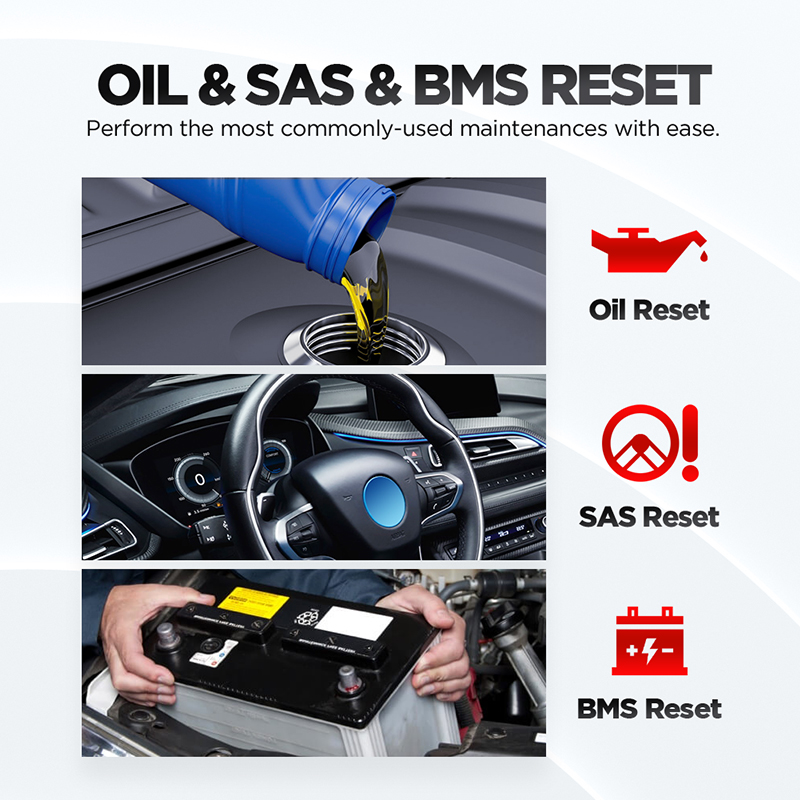
3 Special Reset Services
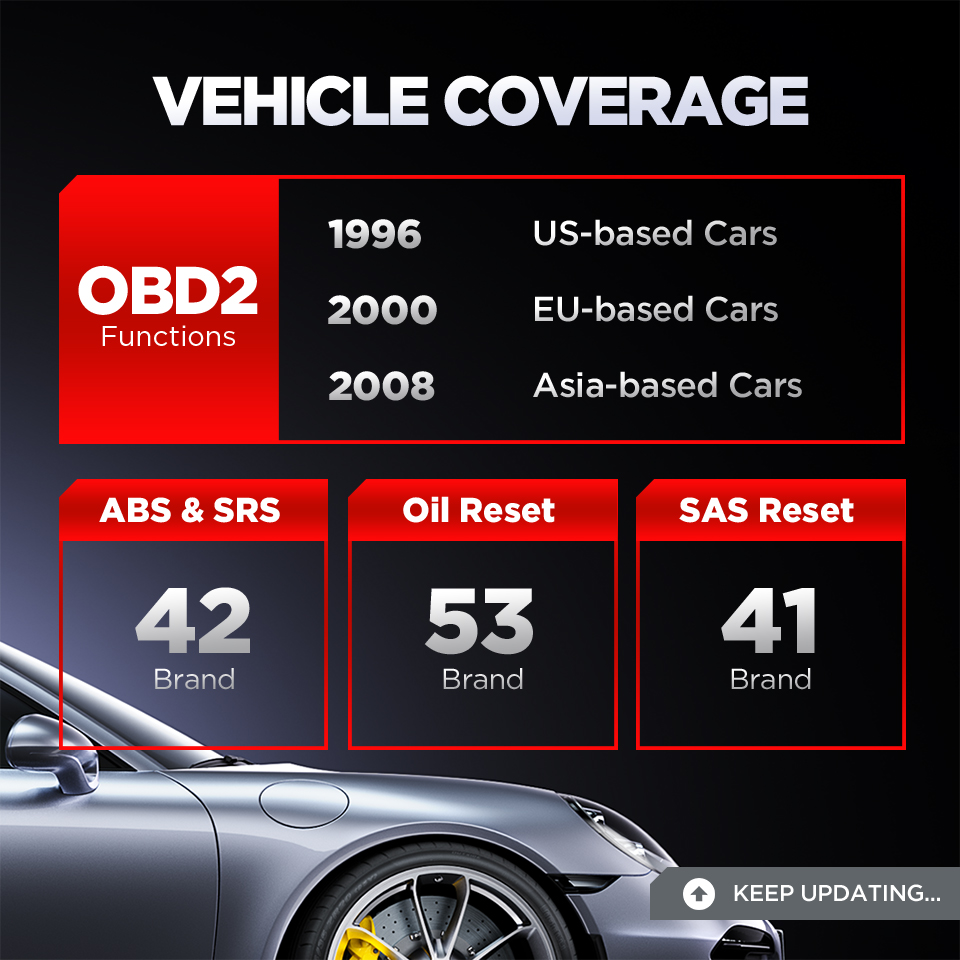
The LAUNCH CR629 includes three important maintenance reset functions that help maintain proper vehicle operation after repairs or maintenance.
1. Oil Reset Service
The Oil Reset function allows users to reset the oil maintenance reminder after changing the engine oil and oil filter.
Benefits of Oil Reset
- Resets oil life monitoring system
- Clears oil service reminder lights
- Helps maintain accurate service intervals
- Ensures proper maintenance tracking
Regular oil changes are critical for engine performance, lubrication, and long-term durability.
2. SAS Reset (Steering Angle Sensor Reset)
The SAS Reset function recalibrates the steering angle sensor after:
- Wheel alignment
- Steering repairs
- Suspension repairs
- Steering component replacement
Proper SAS calibration helps maintain accurate communication between the steering wheel and ESC (Electronic Stability Control) system.
SAS Reset Helps:
- Restore steering accuracy
- Maintain vehicle stability
- Ensure proper ESC functionality
- Improve driving safety
3. BMS Reset (Battery Management System Reset)
The BMS Reset function is used after battery replacement.
It helps:
- Clear old battery information from ECU memory
- Register the new battery
- Reset battery monitoring system
- Improve charging system performance
This ensures the ECU correctly recognizes the newly installed battery and monitors it accurately.
Full OBD2 Functions
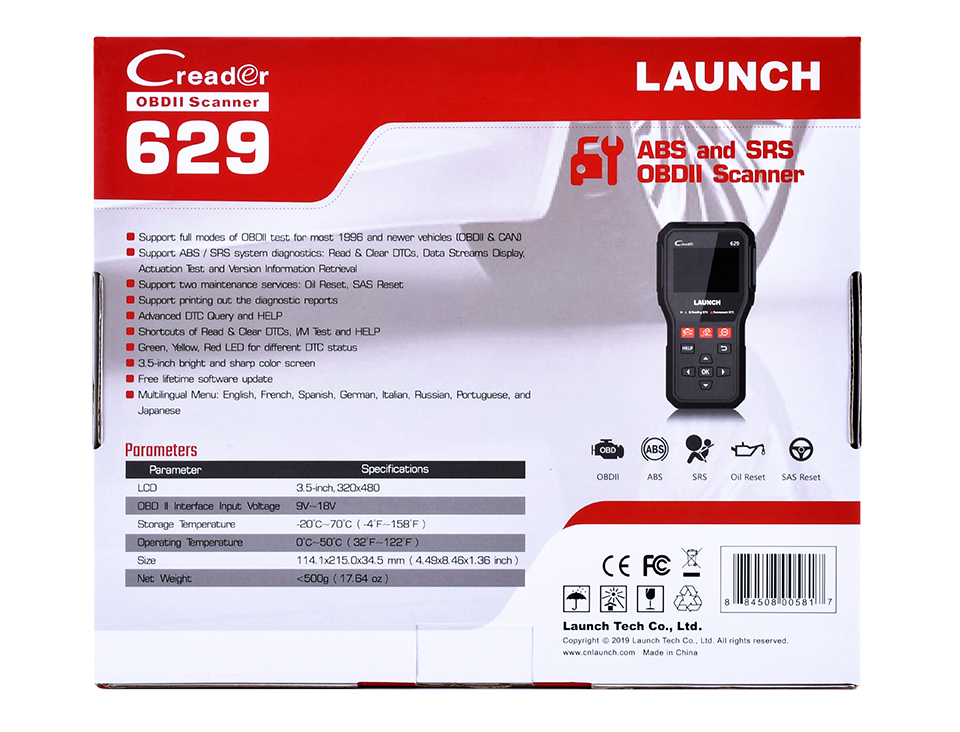
The LAUNCH CR629 supports all major OBD2 diagnostic modes for most post-1996 OBD2 and CAN vehicles.
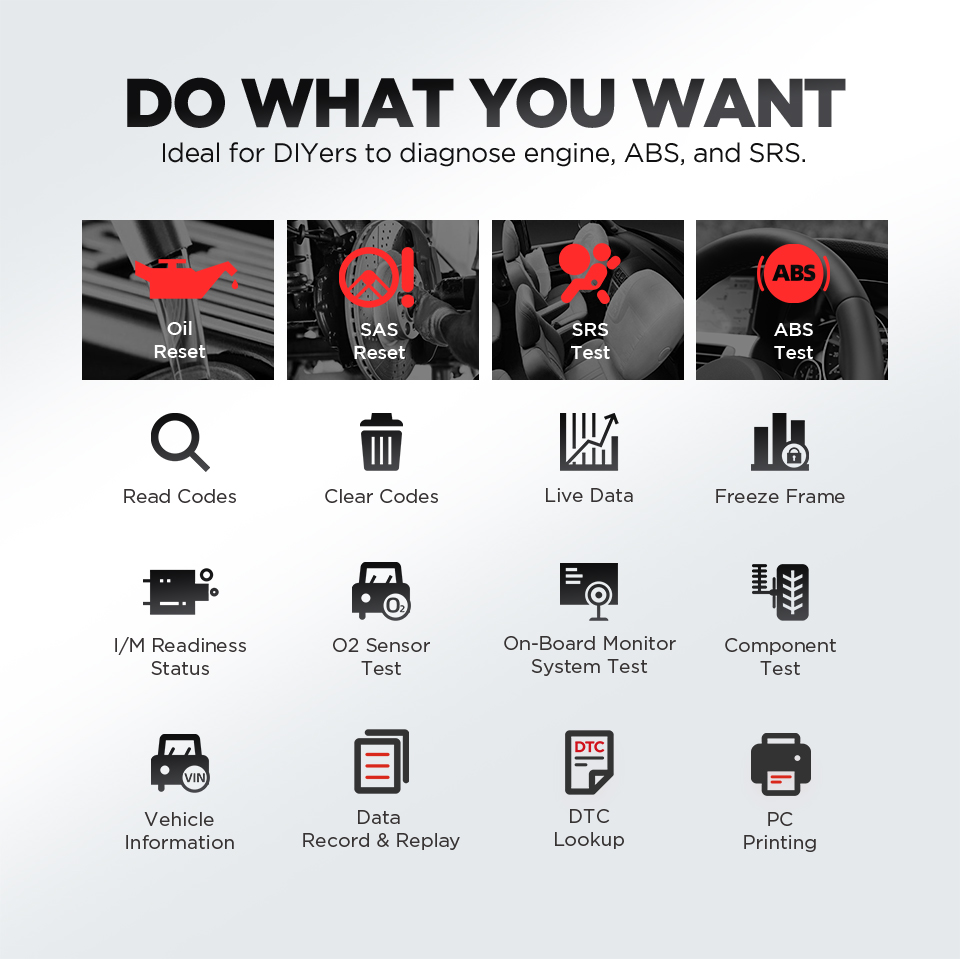
Full OBD2 Functions Include
- Read Diagnostic Trouble Codes
- Erase Diagnostic Trouble Codes
- Turn Off Check Engine Light (MIL)
- Live Data Stream
- Freeze Frame Data
- I/M Readiness Status
- O2 Sensor Test
- EVAP System Test
- On-Board Monitor Test
- Component Test
- Vehicle Information Retrieval
Benefits of Full OBD2 Diagnostics
Turn Off Check Engine Light
After repairing the issue and clearing the trouble codes, the scanner can automatically turn off the check engine light.
Pass Emissions and Smog Tests
The I/M Readiness function helps users check whether the vehicle is ready for emissions inspection before taking the test.
This improves the chances of passing smog inspections successfully.
Locate Emission Problems Quickly
The scanner helps identify the exact cause of emission-related problems through accurate fault code reading and real-time data analysis.
Live Data Stream and Graphic Display
The LAUNCH CR629 supports real-time live data monitoring.
Users can monitor parameters including:
- Engine RPM
- Coolant temperature
- MAP values
- TPS values
- Vehicle speed
- Air flow readings
- Ambient temperature
- O2 sensor data
The scanner can display data in both:
- Numerical format
- Graphic waveform format
Graphic display makes data easier to understand and helps identify abnormal sensor behavior more quickly.
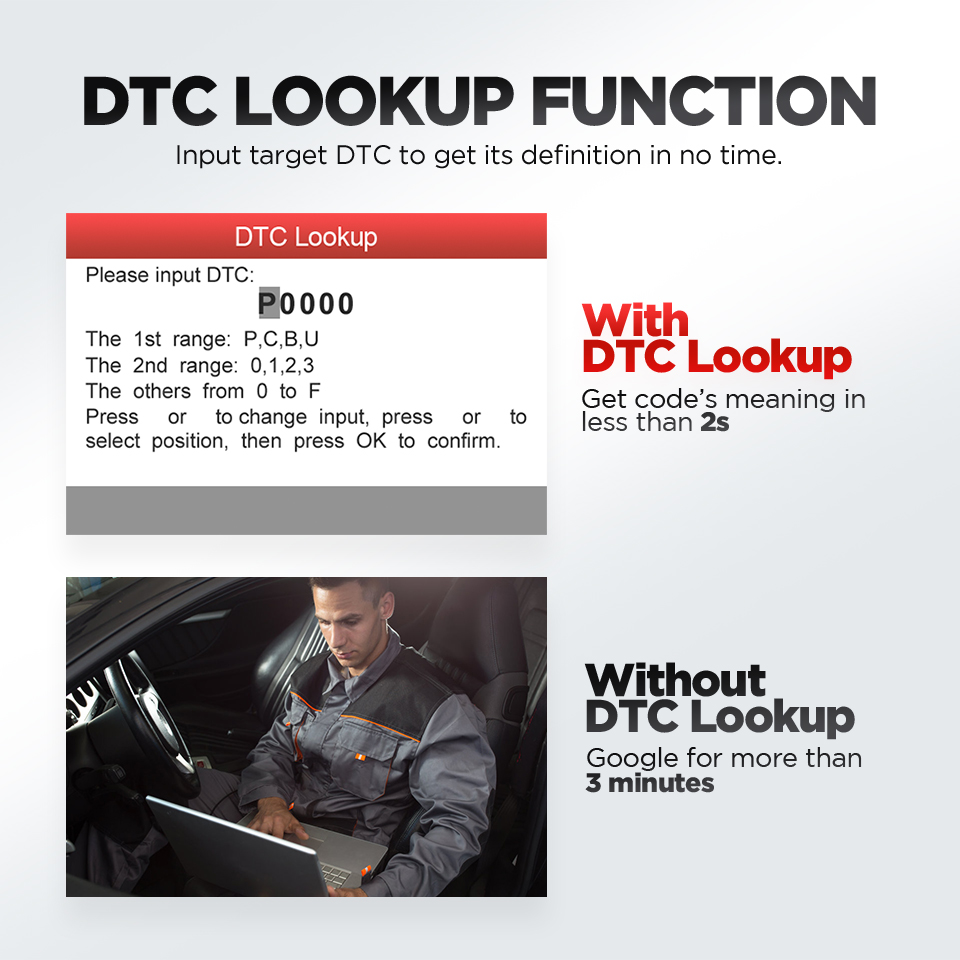
DTC Lookup Function
The built-in DTC Lookup Library allows users to instantly search and understand diagnostic trouble codes directly on the scanner without needing internet searches or repair manuals.
This feature saves time and improves troubleshooting efficiency.
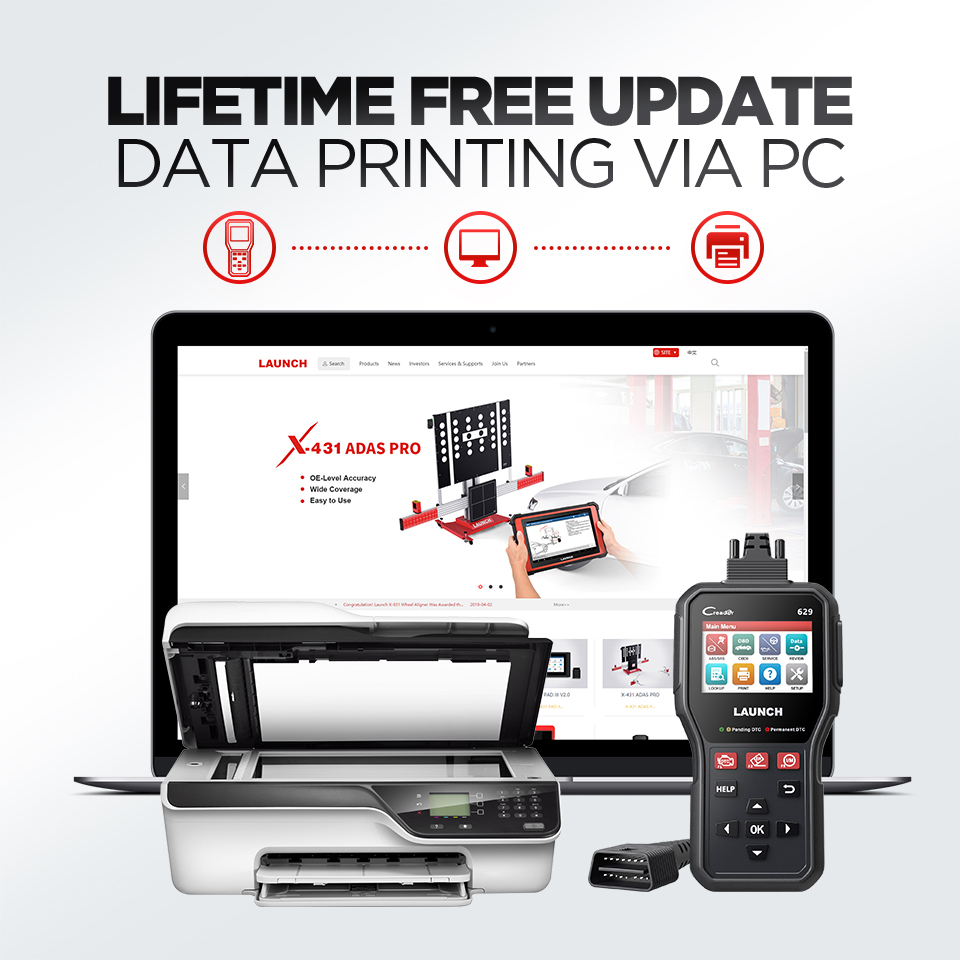
PC Printing Function
Users can connect the CR629 to a computer and print diagnostic reports for:
- Customer records
- Repair documentation
- Technical analysis
- Workshop reports
This feature is useful for professional repair shops and technicians.
User-Friendly Design
The LAUNCH CR629 is designed with simplicity and ease of use in mind.
User-Friendly Features Include
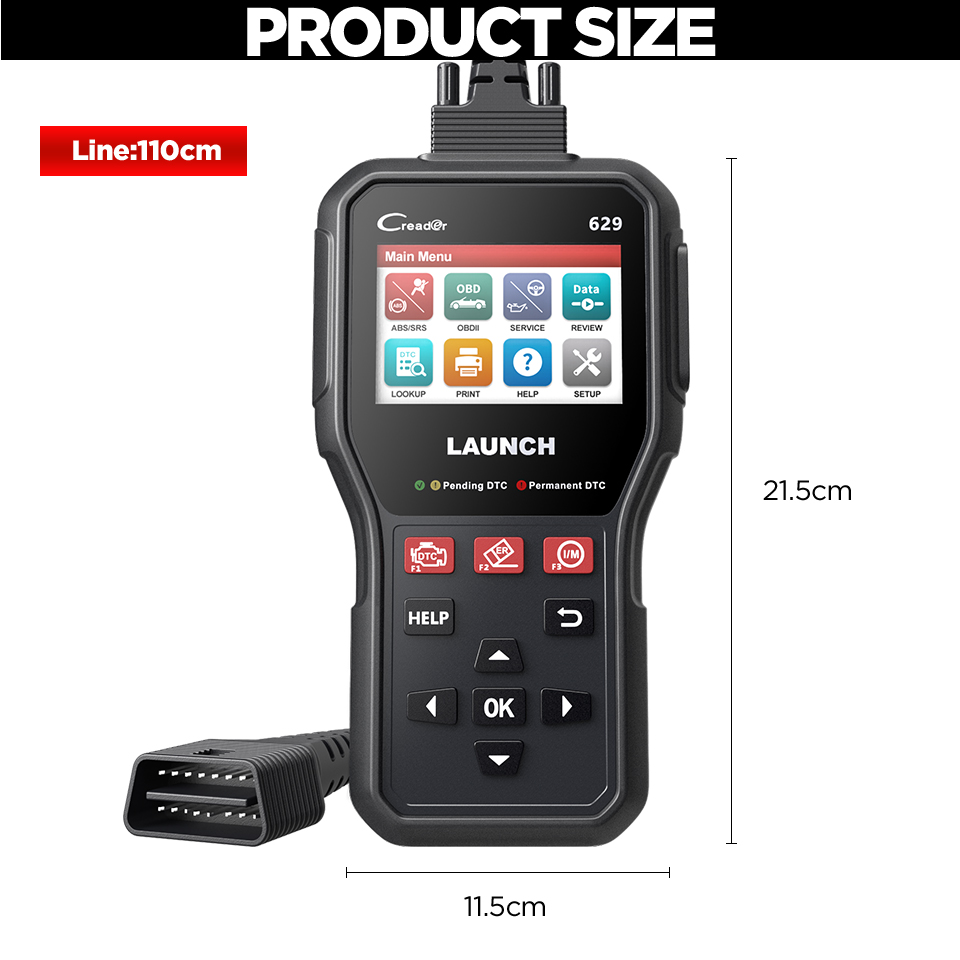
- Large 3.5-inch LCD color display
- High-resolution 320 × 480 screen
- Easy navigation menu
- Comfortable handheld design
- Durable housing
- Quick-access hotkeys
3 Quick Hot Keys
Dedicated hotkeys provide one-click access to important functions:
- Read DTCs
- Clear DTCs
- I/M Readiness Check
This improves workflow speed and convenience.