LAUNCH X431 PRO V 2 Year Update
SKU:
331848476395
$660.00
Couldn't load pickup availability
Proudly Australian
Technical Support
Easy Returns
Fast & Free Shipping

LAUNCH X431 PRO V 2 Year Update
$660.00
LAUNCH X431 PRO V 2 Year Update
Please Note
- After payment: Please provide a picture of the product with a clear serial number to obtain the update code.
- Compatibility Check: If you are not sure whether the upgrade card is suitable for your device, please provide the serial number to the seller to check before ordering.
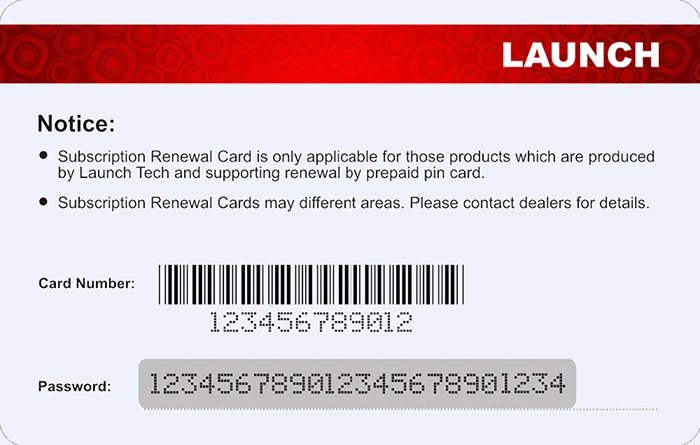
Knowledge of Subscription Renewal Card

How to activate the Subscription Renewal Card?
- Launch App: Tap the application icon on the home screen to launch it.
- System Login: Tap “Login” on the upper right corner of the screen (Note: Please ensure the tool has a strong Wi-Fi connection).
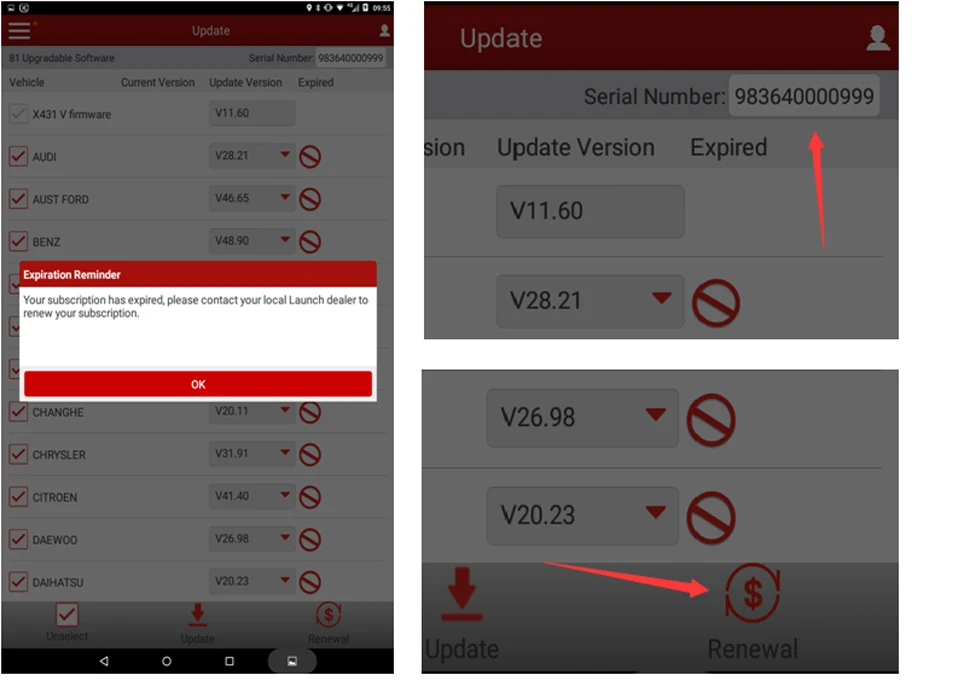
- Enter Update Center: Tap the Menu icon and select “Update” to enter the update center.
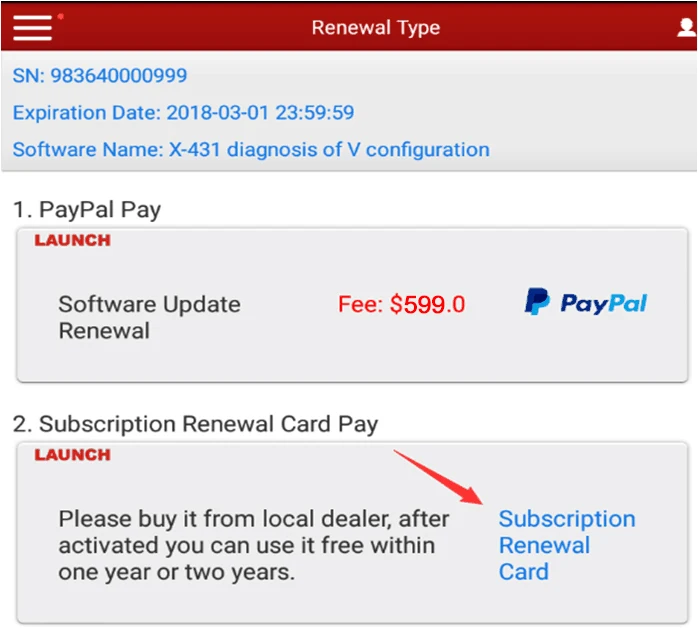
- Activate Card: Tap “Renewal” on the update page to activate your Subscription Renewal Card.
- Confirm Activation: Input the password of the Subscription Renewal Card (24-digit numbers) and tap “Confirm” to finish the transaction.
(The order can be viewed by tapping “Profile” -> “My order”).