


LAUNCH X431 IMMO ELITE / IMMO PLUS 1-Year Software Subscription Renewal Genuine
Couldn't load pickup availability
Return policy
Our goal is for every customer to be totally satisfied with their purchase. If this isn't the case, let us know and we'll do our best to work with you to make it right.
Shipping
We will work quickly to ship your order as soon as possible. Once your order has shipped, you will receive an email with further information. Delivery times vary depending on your location.

LAUNCH X431 IMMO ELITE / IMMO PLUS – 1-Year Software Subscription Renewal Card
Keep Your Professional Key Programming Tool Fully Updated and Ready for the Latest Vehicles
The LAUNCH X431 IMMO ELITE and IMMO PLUS are powerful all-in-one anti-theft and key programming solutions trusted by professional locksmiths and automotive technicians worldwide. To maintain unrestricted access to the newest vehicle models, advanced diagnostic functions, and the latest immobilizer software, an active software subscription is essential.
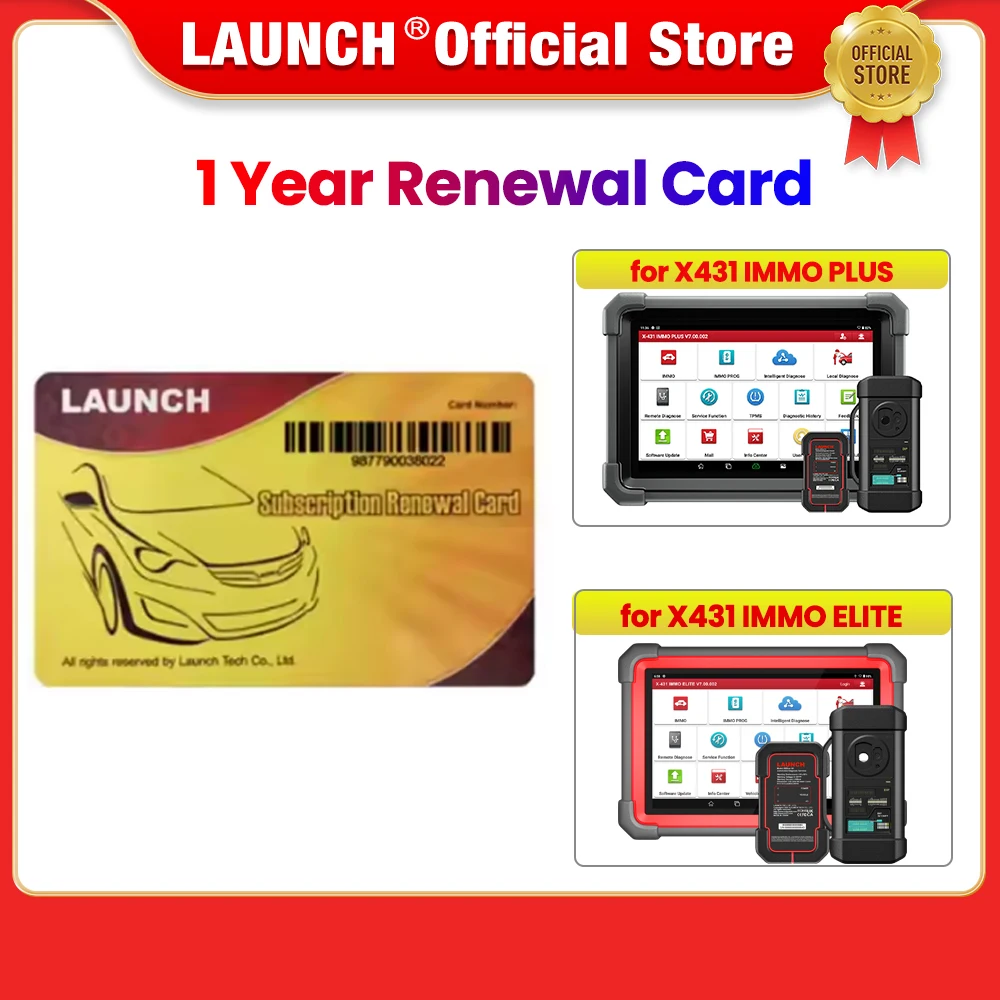
LAUNCH Official Store -1 Year Renewal card for IMMO PLUS/ for IMMO ELITE
LAUNCH Official Store -1 Year Renewal card for IMMO PLUS/ for IMMO ELITE
Please Note
After payment, please provide the seller with a picture of the product with a clear serial number to obtain the update code
If you are not sure whether the upgrade card is suitable for your device, you can provide the serial number to the seller to check before order
Knowledge of Subscription Renewal Card


How to activate the Subscription Renewal Card?
Tap the application icon on the home screen to launch it.
Tap “Login” on the upper right corner of screen to log in the system (Note: Please make sure the tool has a strong Wi-Fi connection).
Tap TVEG)PU2DTG0Q2X9`ZPY5PM and select “Update” to enter the update center.
Tap “Renewal” on the update page to activate Subscription Renewal Card.
Input the password of Subscription Renewal Card (24-digit numbers) and then tap “Confirm” to finish the transaction (The order can be viewed by tapping -TVEG)PU2DTG0Q2X9`ZPY5PM> “Profile”->“My order”).
