


LAUNCH X431 1 Year or 2Year Software Activation Subscription X431 Wide Series
Couldn't load pickup availability

LAUNCH X431 Series 1/2 Year Software Activation Subscription & Software Upgrade Service
Keep Your LAUNCH X431 Diagnostic Tools Fully Updated and Future-Proof
The LAUNCH X431 series is globally recognized for its professional-grade automotive diagnostics, precision, and versatility. Whether you own an X431 V, V+, PRO V5.0, PRO3S+, PRO TT, or PRO3 ACE, staying up-to-date with the latest software ensures that your device operates at its peak performance, offering accurate, fast, and comprehensive vehicle diagnostics.
With the 1/2 Year Software Activation Subscription, your device will gain access to all new software updates, advanced diagnostic protocols, and enhanced features, allowing you to diagnose and repair modern vehicles efficiently. This subscription ensures your diagnostic tool remains relevant, compatible, and capable in the fast-evolving automotive industry.
LAUNCH Official Store - 1/2 Year Renewal Card for X431 V / V4.0 X431 PRO V5.0 X431 PRO TT X431 PRO3 ACE X431 PRO3S+ V2.0/V5.0 X431 V+ X431 PRO MINI / DIAGUN V, ect ...
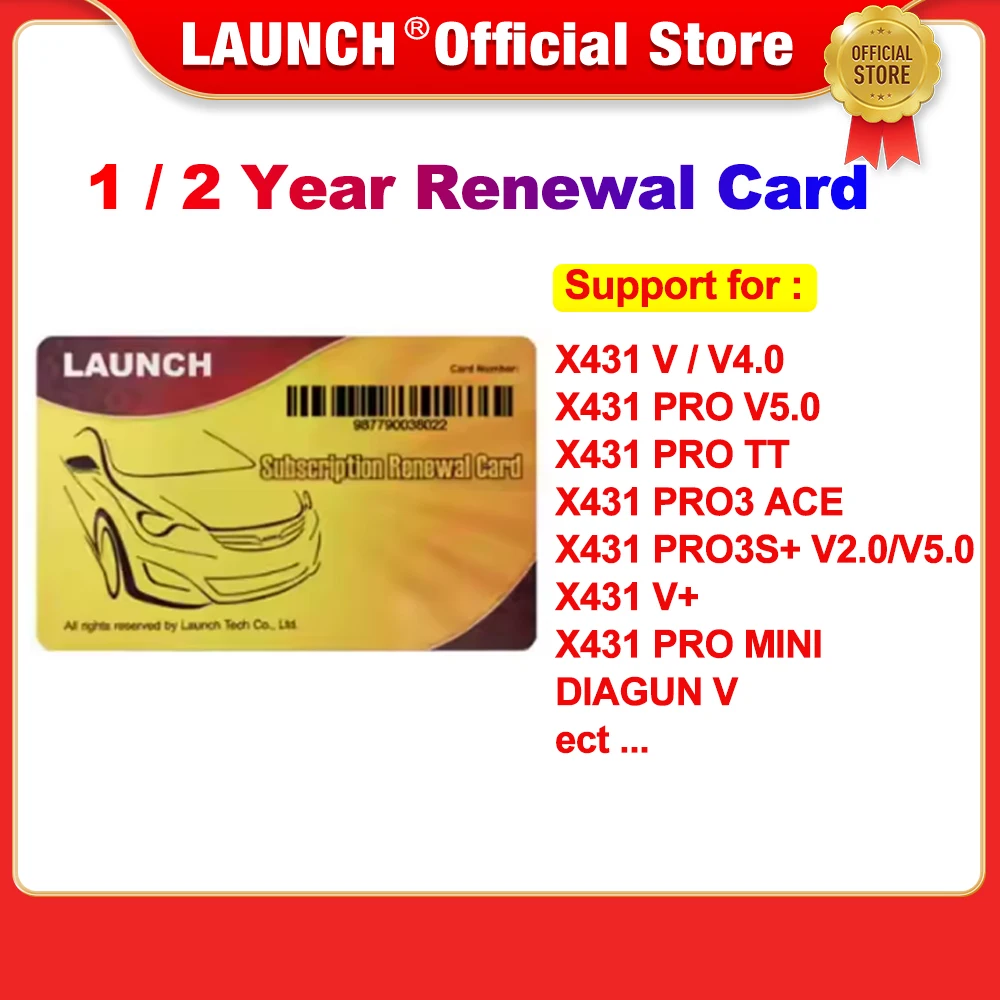
Introduction
The Subscription Renewal Card is only applicable
for those products which are produced by LAUNCH and supports software payment and renewal
1 Year Gasoline and 2 Year Gasoline Renewal
X431 V / V4.0
X431 PRO V5.0
X431 PRO TT
X431 PRO3 ACE
X431 PRO3S+ V2.0/V5.0
X431 V+
X431 PRO MINI
/ DIAGUN V,
ect ...
Please Note
After payment, please provide the seller with a picture of the product with a clear serial number to obtain the update code
If you are not sure whether the upgrade card is suitable for your device, you can provide the serial number to the seller to check before order
Knowledge of Subscription Renewal Card


How to activate the Subscription Renewal Card?
Tap the application icon on the home screen to launch it.
Tap “Login” on the upper right corner of screen to log in the system (Note: Please make sure the tool has a strong Wi-Fi connection).
Tap TVEG)PU2DTG0Q2X9`ZPY5PM and select “Update” to enter the update center.
Tap “Renewal” on the update page to activate Subscription Renewal Card.
Input the password of Subscription Renewal Card (24-digit numbers) and then tap “Confirm” to finish the transaction (The order can be viewed by tapping -TVEG)PU2DTG0Q2X9`ZPY5PM> “Profile”->“My order”).

