ANCEL JC200 Injector Tester 2 Cylinder Fuel Injection Volume Atomization Test
Couldn't load pickup availability

ANCEL JC200 Professional 2-Cylinder Fuel Injector Tester for Cars & Motorcycles, 12V Injector Diagnostic Machine with LCD Display, Manual & Auto Test Modes
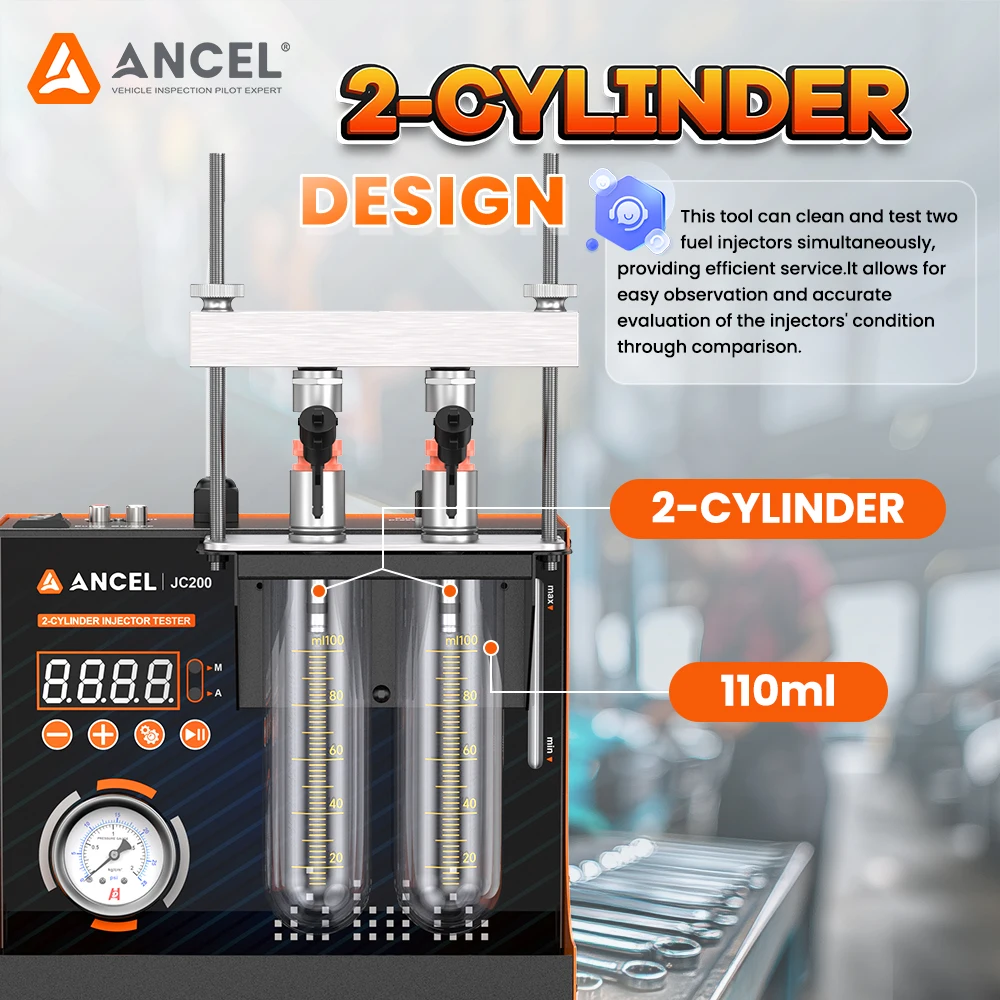
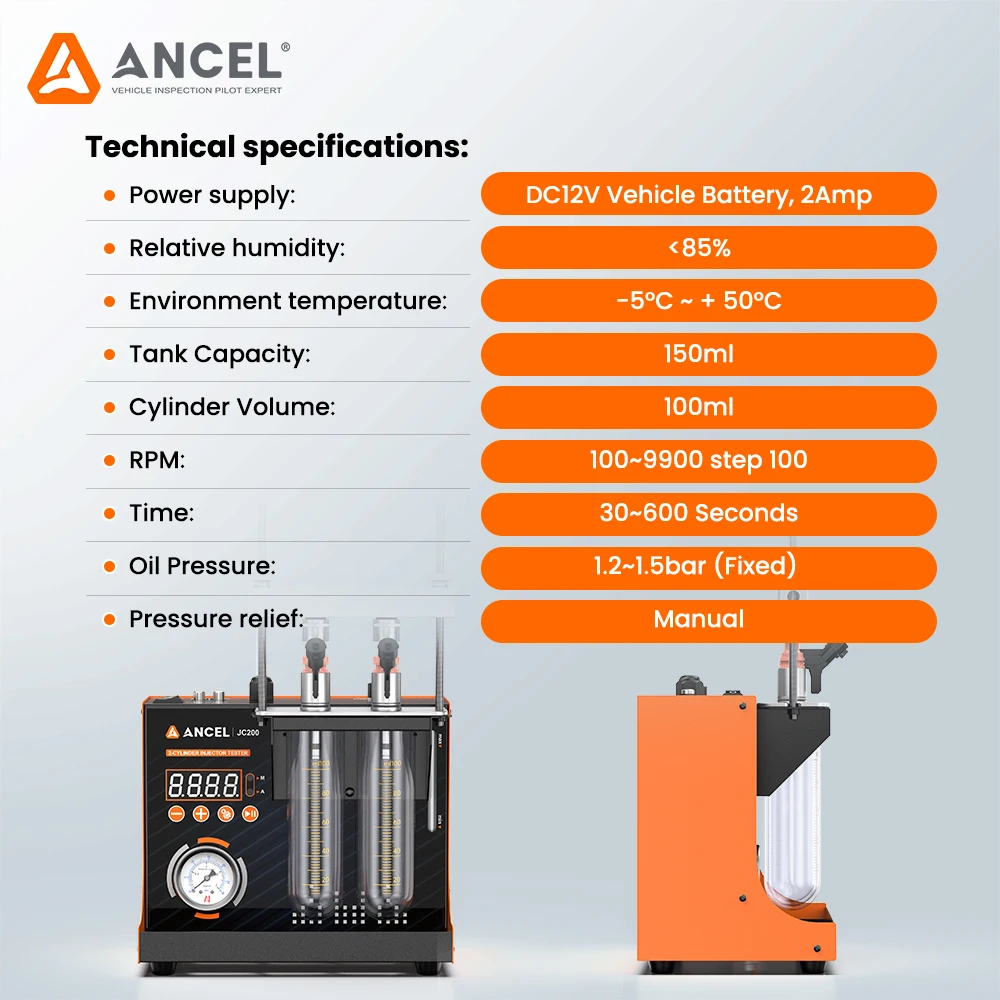
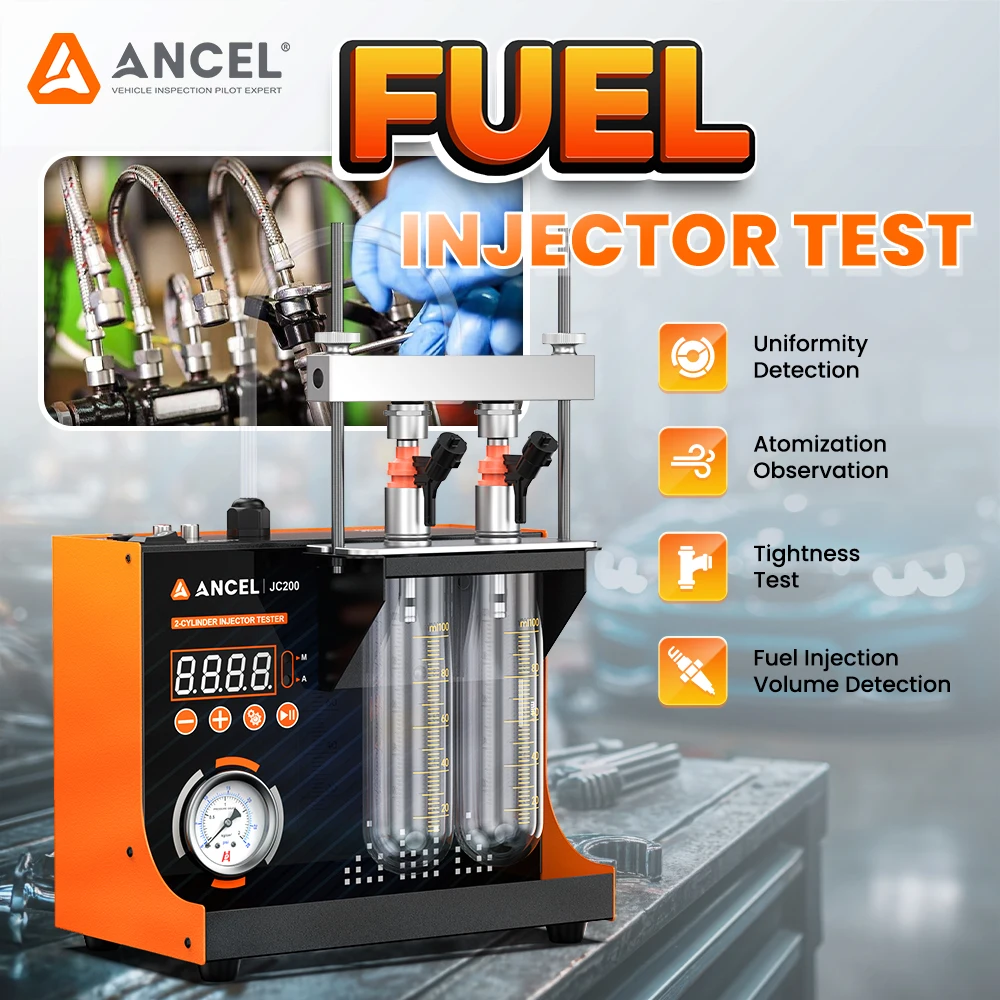
The ANCEL JC200 2-Cylinder Fuel Injector Tester is a precision-engineered diagnostic solution built for professional technicians and serious workshops that demand accurate, repeatable injector testing. Utilizing advanced mechatronic technology and microcomputer-controlled signal output, the JC200 precisely simulates real engine operating conditions to evaluate injector performance in both automotive and motorcycle fuel systems. Powered by a 12V DC supply, the unit delivers stable and consistent pressure through its pressurized air-driven system, ensuring uniform test conditions for reliable results. The LCD digital display provides clear real-time feedback, while manual and automatic testing modes allow flexible operation for injector uniformity checks, spray atomization analysis, leakage and tightness detection, and precise fuel injection volume measurement. With a wide RPM range of 100–9900, adjustable test durations, and a 150ml recyclable fuel tank, the JC200 enables efficient, low-cost diagnostics without compromising accuracy. Its bright backlit inspection window allows detailed visual observation of spray patterns, and replaceable composite adapters support multiple injector types. Compact, portable, and easy to operate, the ANCEL JC200 is an essential injector testing tool for improving fuel efficiency, engine performance, and repair accuracy.
JC200 Key Features:
- ● LCD Digital display
- ● 12V battery powered
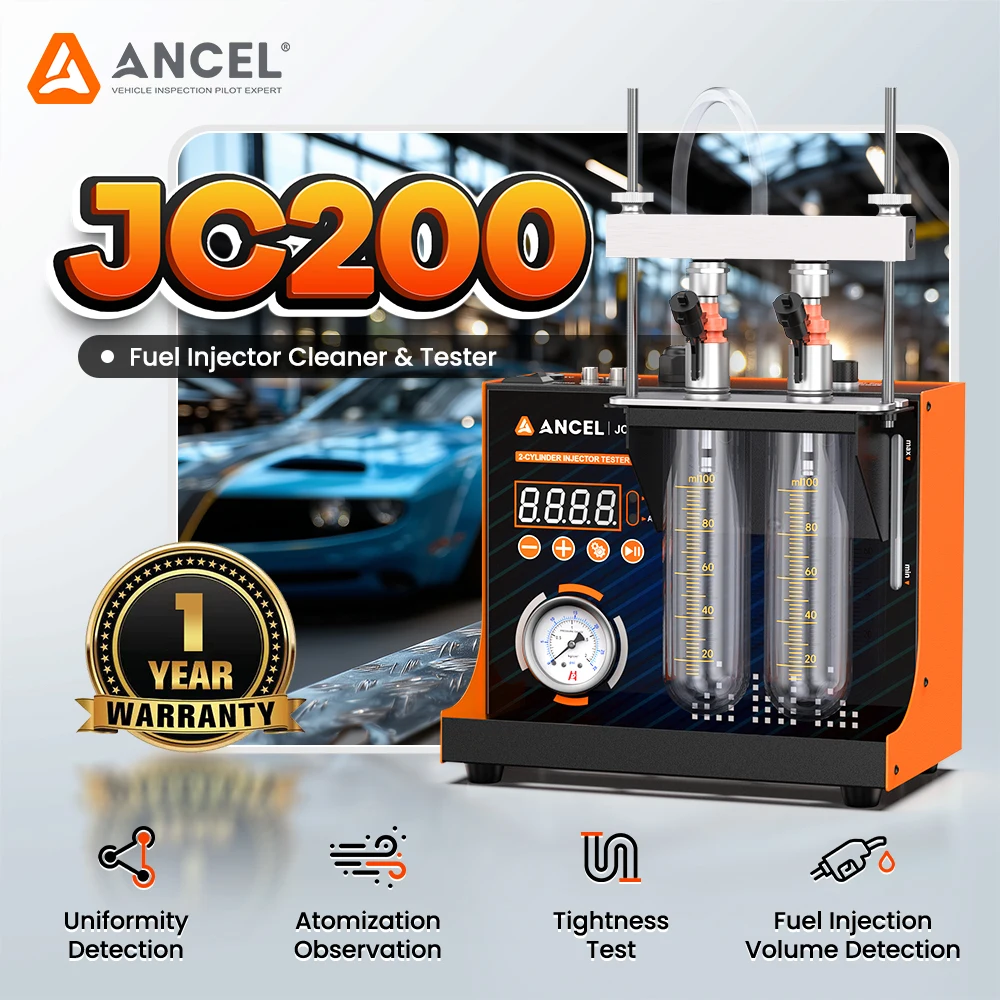
- ● Fuel injection volume testing
- ● Fuel injection uniformity and atomization performance testing
- ● Manual testing
- ● Automatic testing
Operating Instructions
- 1. Remove the injector nozzle from the vehicle.
- 2. Place the injector nozzle into the ultrasonic tank for cleaning.
- 3. Reinstall it into the inspection window for fuel injection testing, allowing direct observation of fuel spray and atomization.
- 4. Cleaning results can be directly observed on the equipment.
NCEL JC200 2-Cylinder Fuel Injector Tester Machine for Cars & Motorcycles, 12V Injector Diagnostic Tool with LCD Display, Pressure Adjustment & Built-In Air Pump
APPLICABLE VOLTAGE
Support 110V or 220V power input.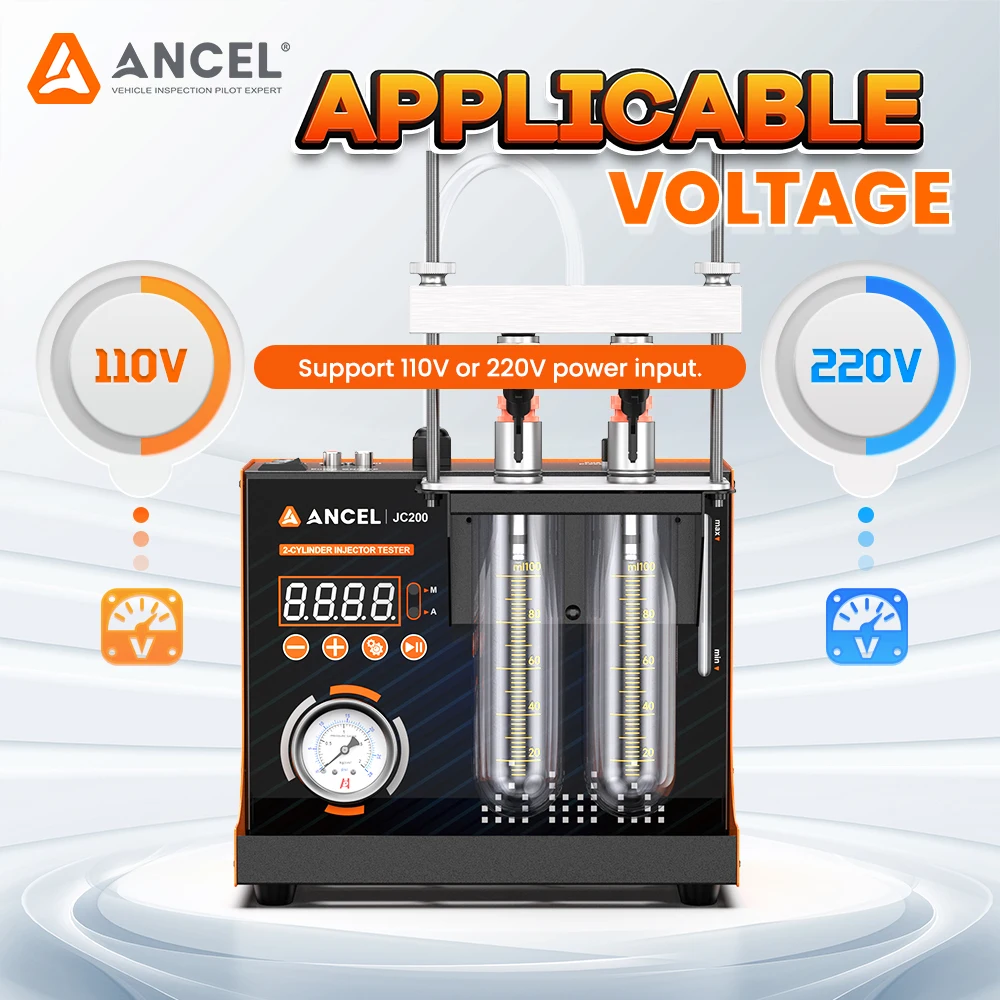
DISTINCTIVE SHAPE DESIGN
Compact, Lightweight, Portable,
Net only weighs 4.5kg
Built in air pump
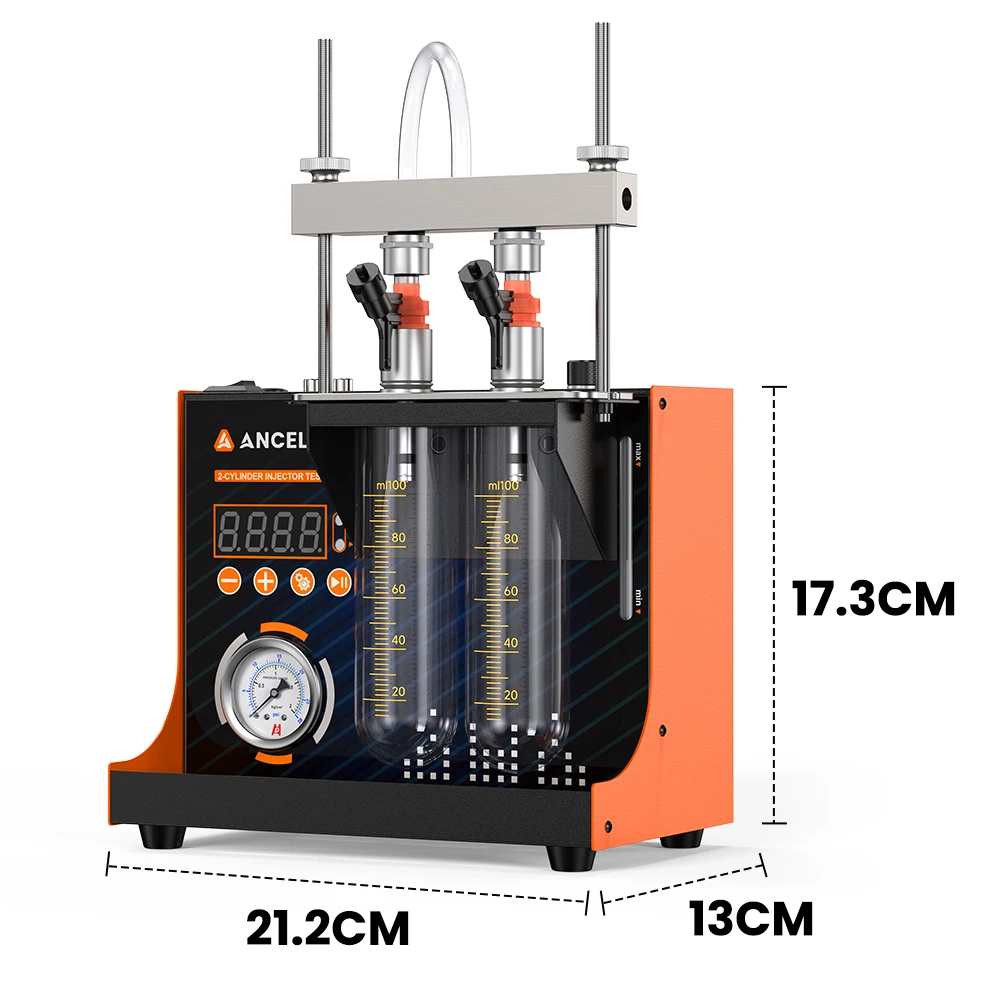
Dimensions: 21.2CM × 13CM × 17.3CM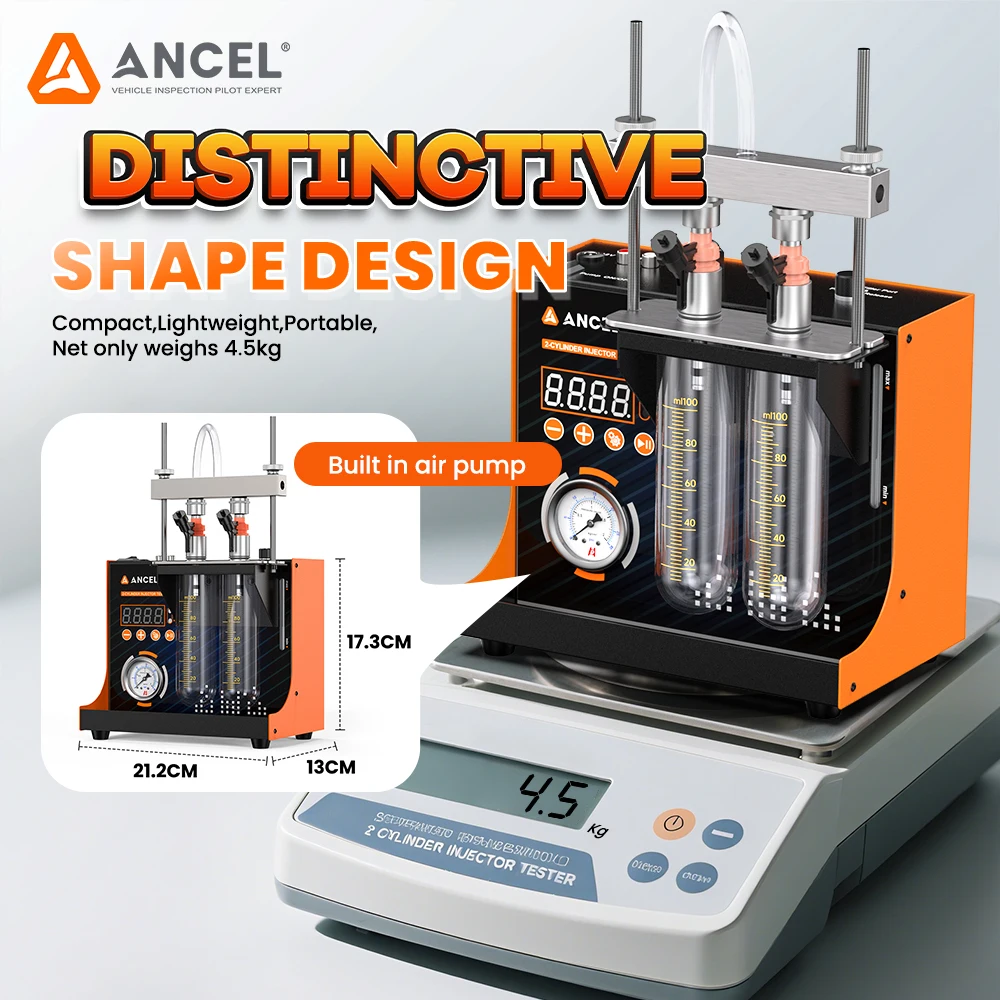
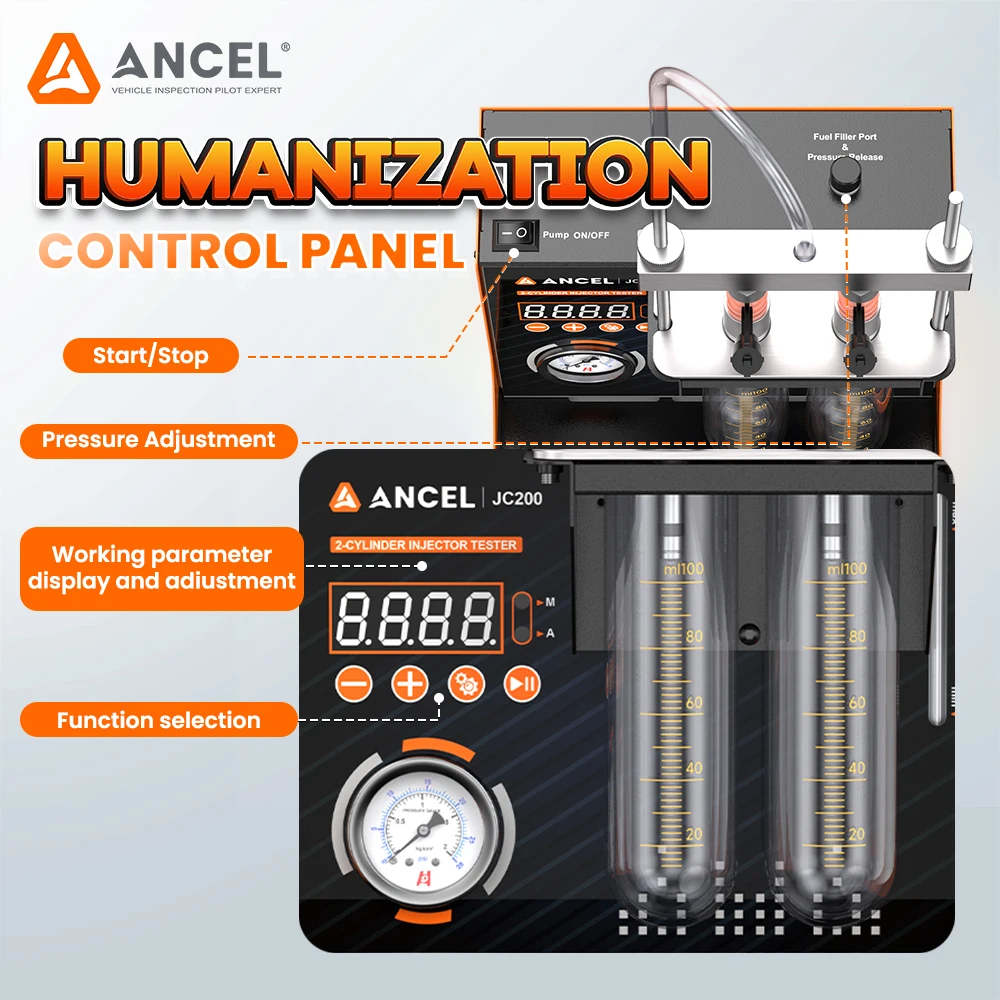
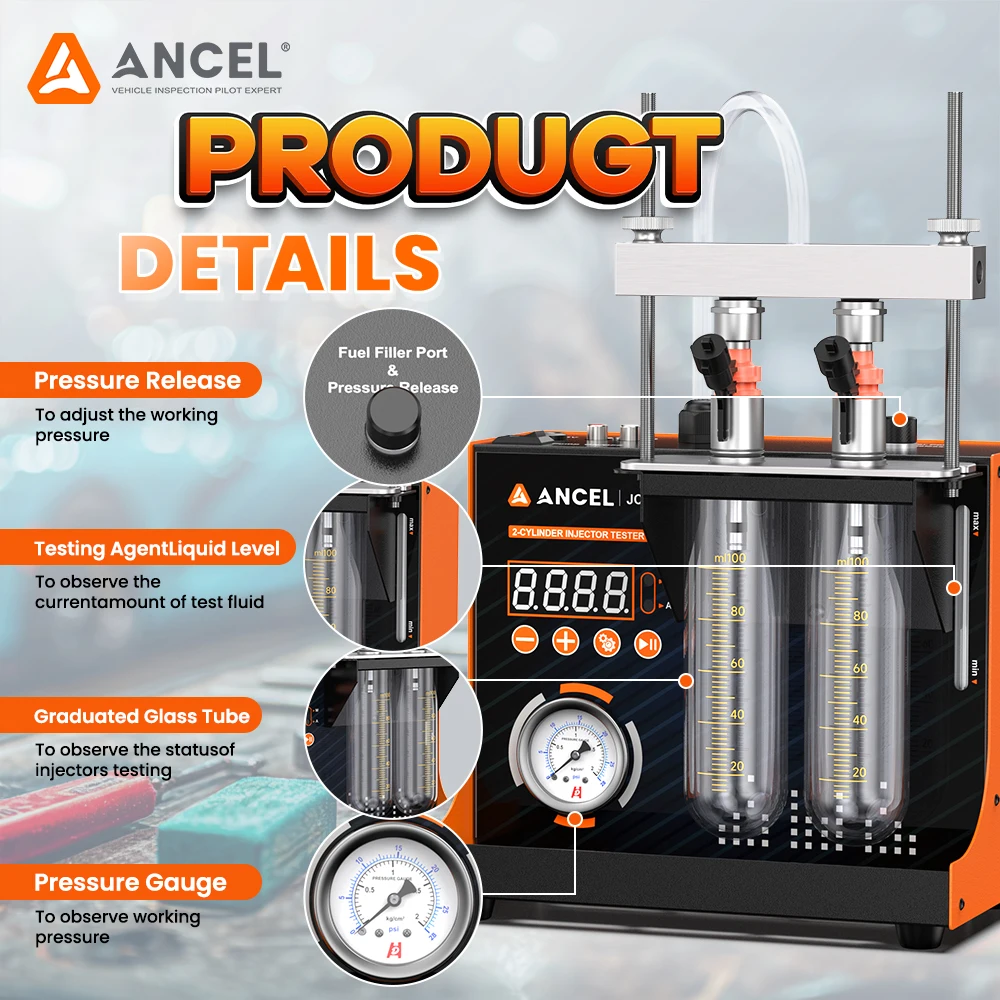
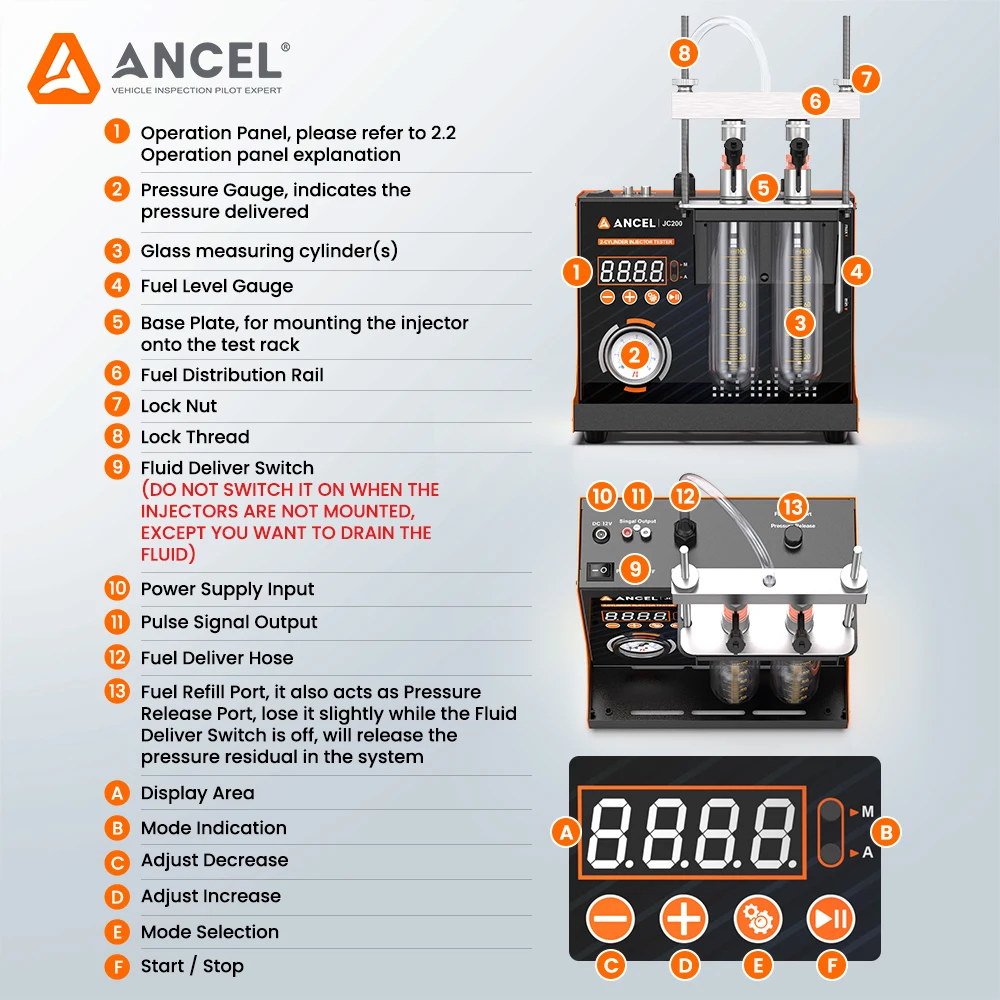
1.Operation Panel, please refer to 2.2 Operation panel explanation
2.Pressure Gauge, indicates the pressure delivered
3.Glass measuring cylinder(s)
4.Fuel Level Gauge
5.Base Plate, for mounting the injector onto the test rack
6.Fuel Distribution Rail
7.Lock Nut
8.Lock Thread
10.Power Supply Input
11.Pulse Signal Output
12.Fuel Deliver Hose
13.Fuel Refill Port, it also acts as Pressure Release Port, lose it slightly while the Fluid Deliver Switch is off, will release the pressure residual in the system
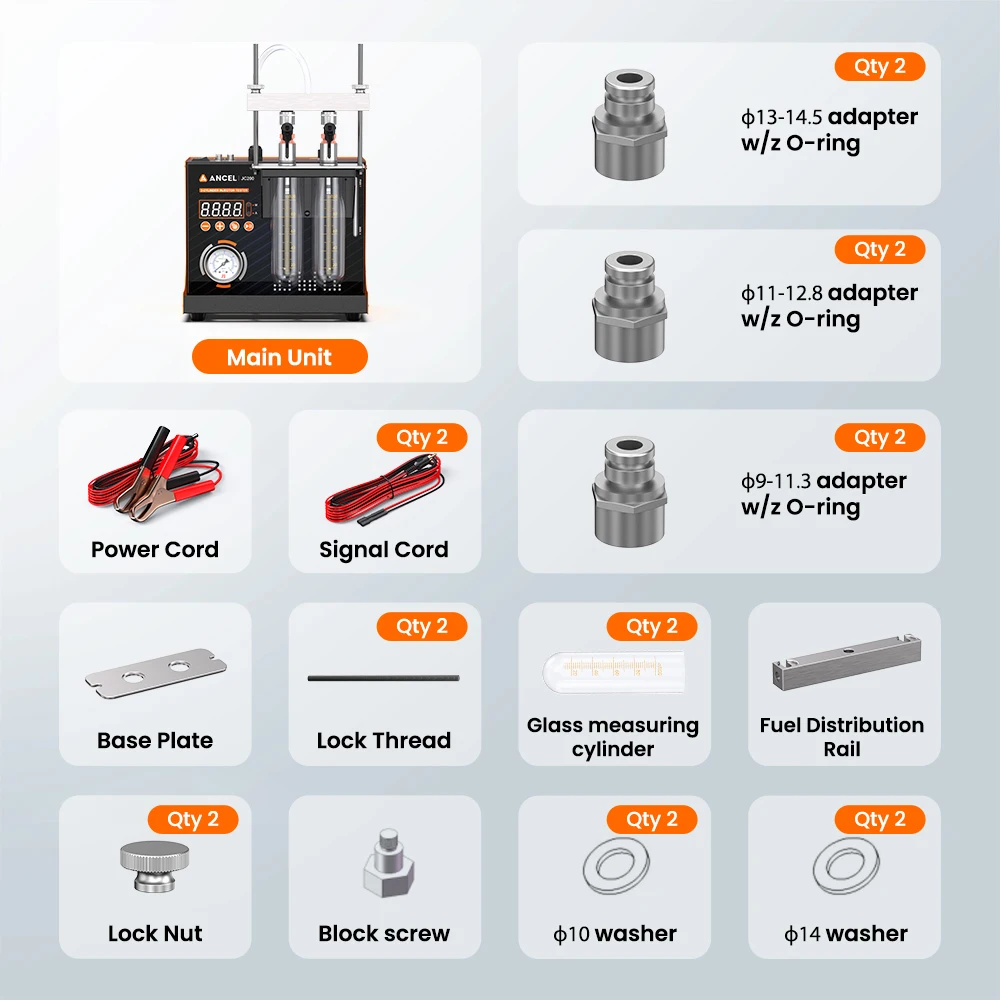
 Package List:
Main Unit
Power Cord
Signal Cord (Qty 2)
Base Plate
Lock Thread (Qty 2)
Glass measuring cylinder (Qty 2)
Fuel Distribution Rail
Lock Nut (Qty 2)
Block screw (Qty 2)
10 washer (Qty 2)
14 washer (Qty 2)
13-14.5 adapter w/z O-ring (Qty 2)
11-12.8 adapter w/z O-ring (Qty 2)
9-11.3 adapter w/z O-ring (Qty 2)