

Autel MaxiVCI Mini VCI Mini Bluetooth Diagnostic Interface for MK808BT MK808TS MX808TS MP808TS TS608 MS906S
Couldn't load pickup availability
Return policy
Our goal is for every customer to be totally satisfied with their purchase. If this isn't the case, let us know and we'll do our best to work with you to make it right.
Shipping
We will work quickly to ship your order as soon as possible. Once your order has shipped, you will receive an email with further information. Delivery times vary depending on your location.

Autel MaxiVCI Mini VCI Mini Bluetooth Diagnostic Interface
Notice:
1. The Tablet in This Advertising is Not Included! It is for Reference Only!
2. Enables The Autel Tablet to Connect to The Vehicles
3. Lightweight Vehicle Connection Interface (VCI)
4. Connects to The Vehicles OBDII Port
5. Allows Technician to Perform Testing Outside Vehicles
6. The MaxiVCI Need to Be Used With Autel Tablet Device Like MK808BT, MK808TS, MX808TX, MP808TS, etc.
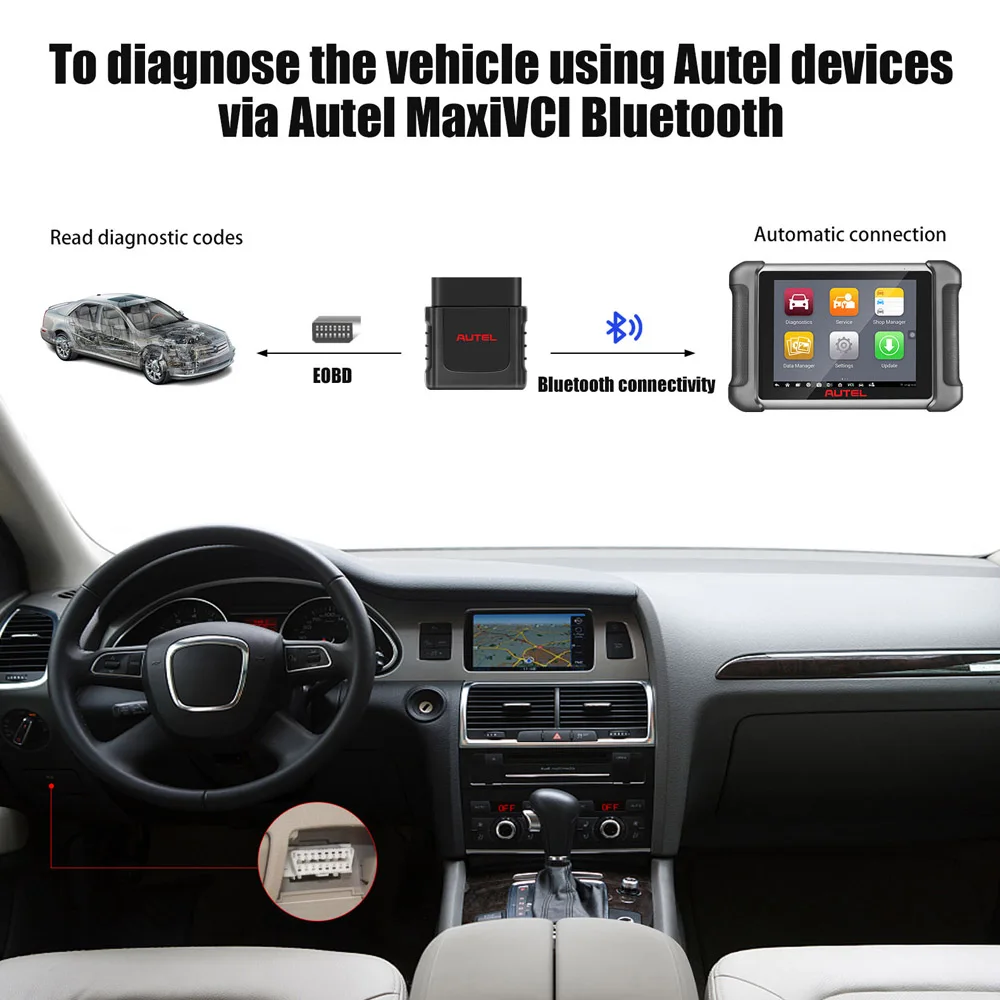
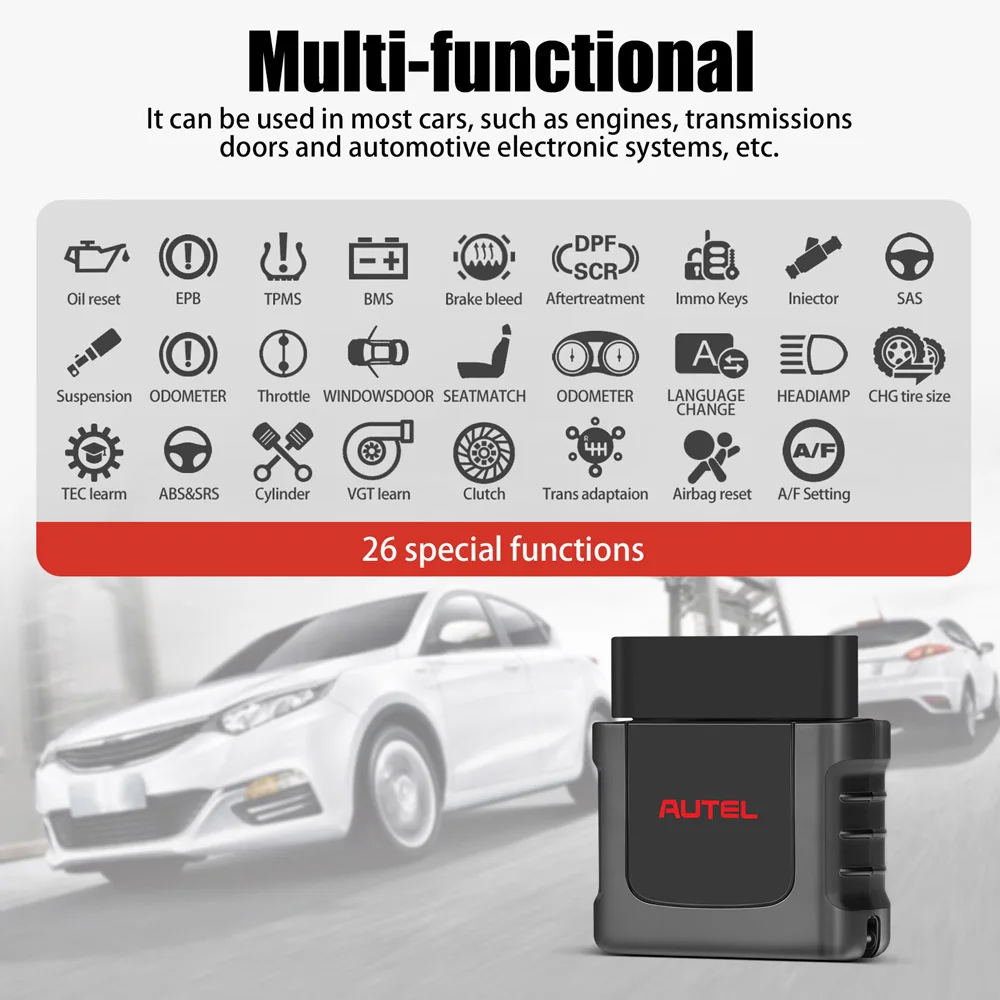
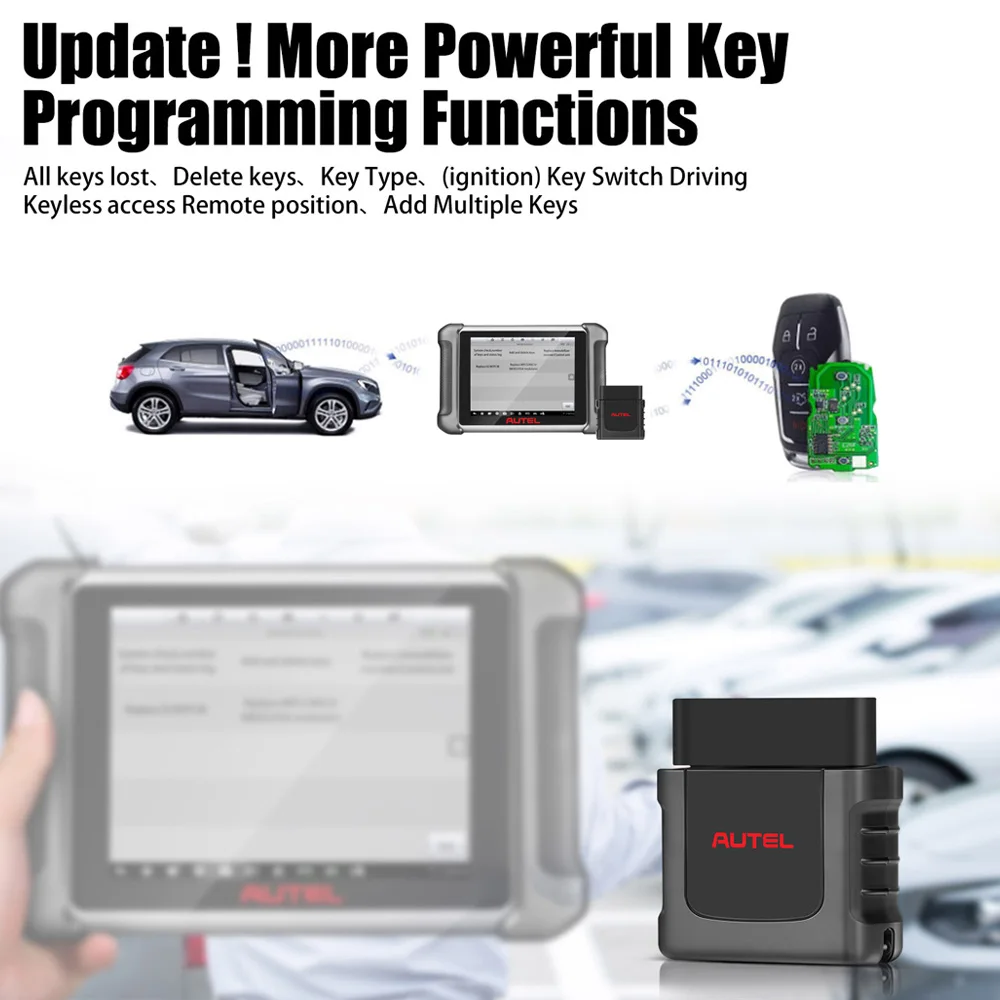
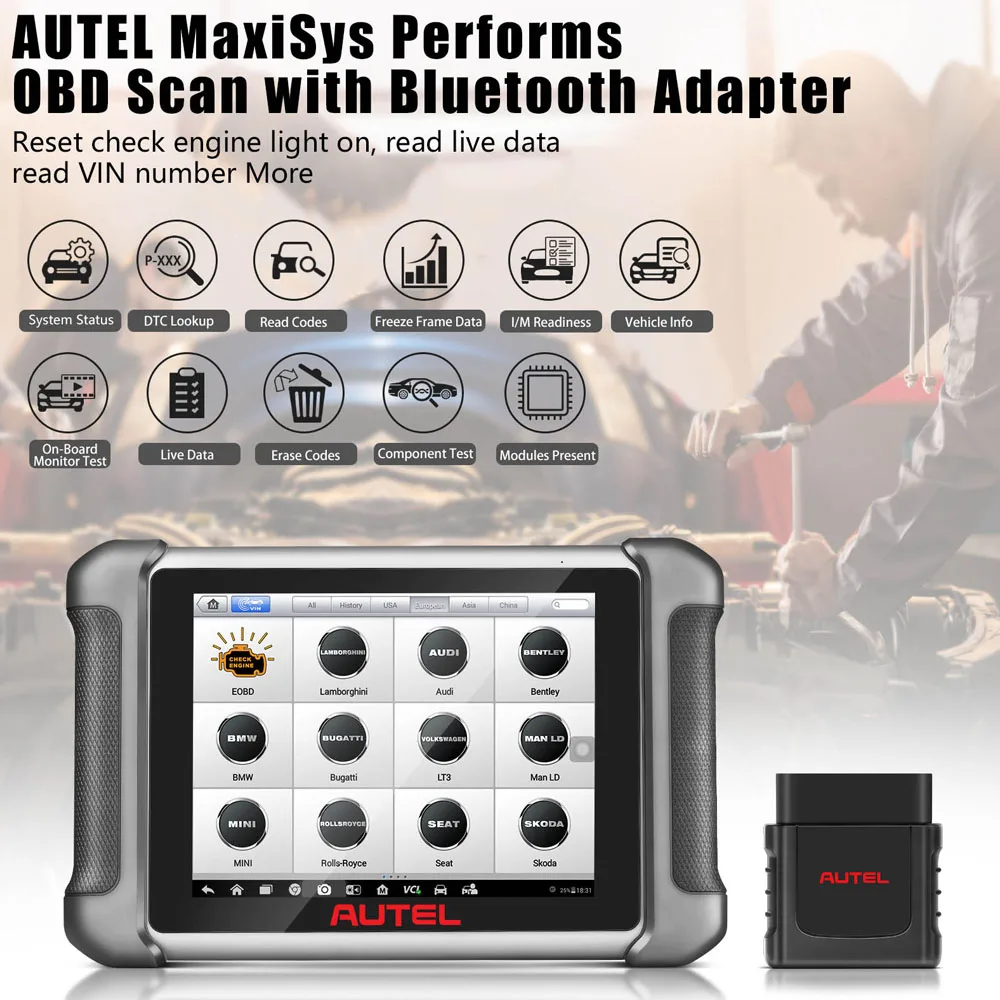
VCI Mini is designed to connect wirelessly with the MaxiCom / Maxicheck / MaxiPro and MaxiTPMS Display Tablet, as a vehicle communication interface (VCI) for vehicle data transmission. Thanks to the wireless Bluetooth technology, with which you are allowed to work freely around the vehicle. This interface device can communicate with vehicles' electronic control units (ECUs), guaranteeing performance and speed that redefine multi-brand diagnostics.
Power Sources
The MaxiVCI Mini operates on 12-volt vehicle power, which is received through the vehicle's DLC. The unit powers on whenever it is connected to the vehicle's DLC.

Autel MaxiVCI – Vehicle Communication Interface
The wireless diagnostic interface MaxiVCI Mini is a small vehicle communication interface (VCI) used to connect to a vehicle's data link connector (DLC) and connect wirelessly with the tablet for vehicle data transmission.
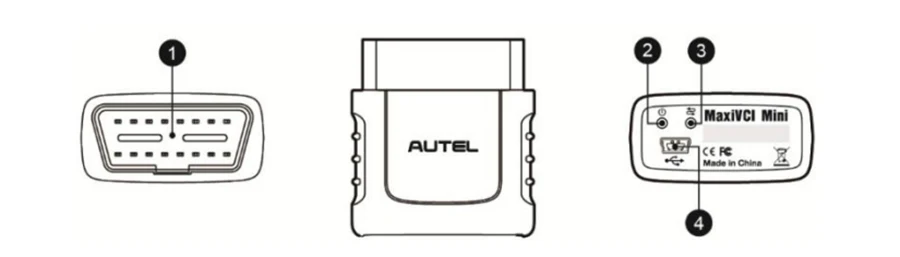
1. Vehicle Data Connector (16-Pin) – connects the MaxiVCI Mini to the vehicle's 16-pin DLC directly.
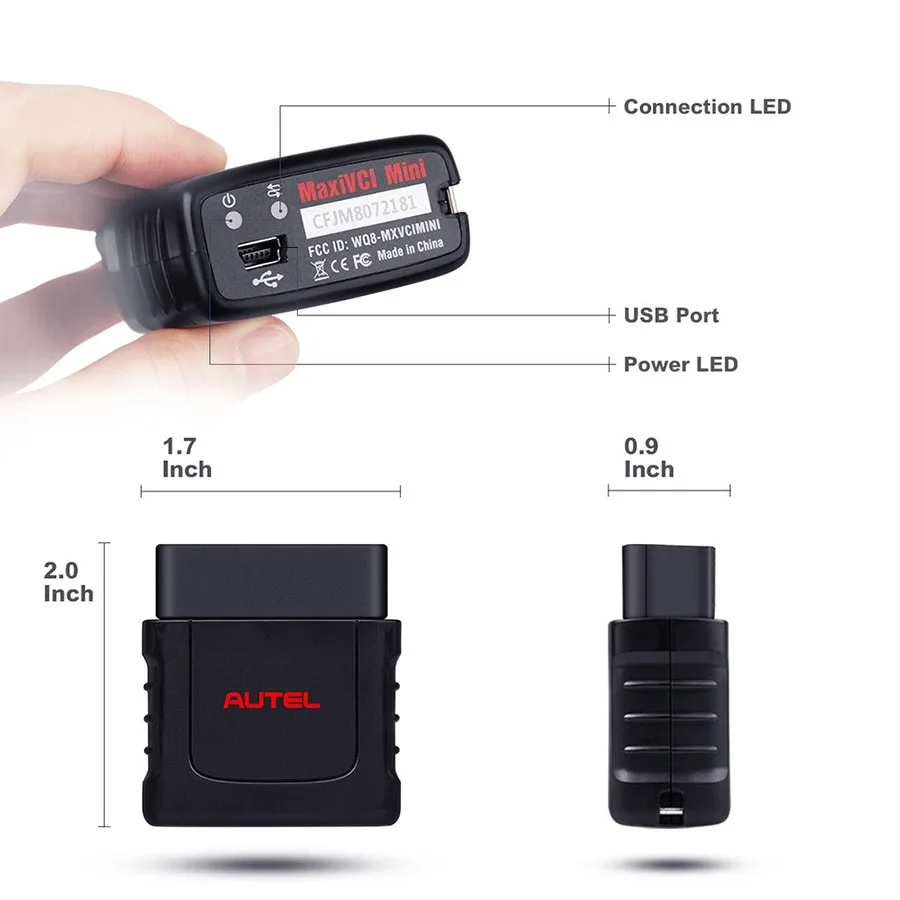
2. Power LED – refer to Table 2- 2 Power LED on the Front Panel
3. Connection LED – refer to Table 2- 3 Connection LED on the Front Panel
4. USB Port – provides the easiest connection between the device and the tablet via a USB cable.
Table 2- 2 Power LED on the Front Panel
|
LED
|
Color |
Description |
|
Power
|
Green
|
Lights solid green when powered on |
|
Red |
Blinks red when system failure occurs. Note: The power LED briefly lights red each time the device powers on and then lights green when the device is ready |
Table 2- 3 Connection LED on the Front Panel
|
LED |
Colo |
Description |
|
Connection |
Green |
* Lights solid green when the device is successfully connected via the USB cable but is not communicating with the vehicle. communicating with the vehicle. |
|
Blue |
* Lights solid blue when the device is successfully connected via BT but is not communicating with the vehicle. communicating with the vehicle |
Product Display:



Package List:
1pc x Autel VCI Mini
